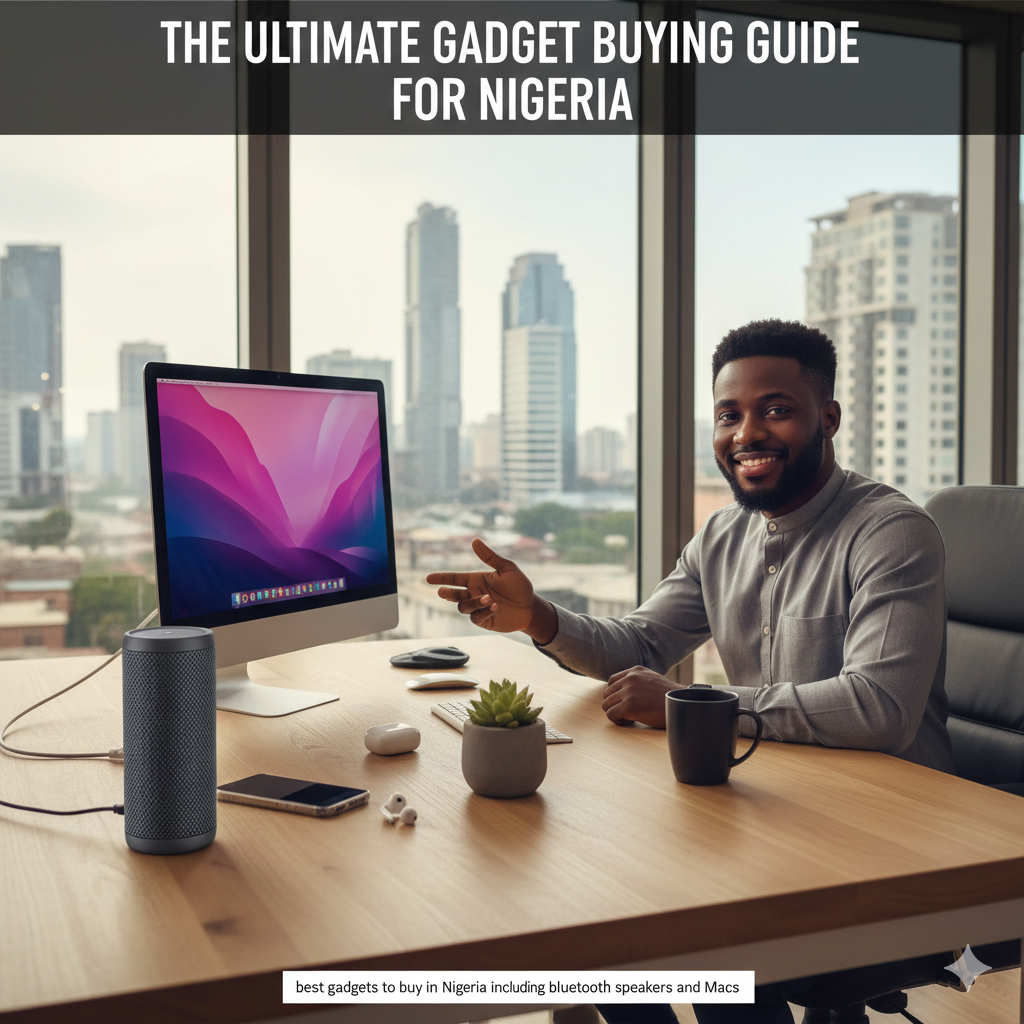
Best Gadgets to Buy in Nigeria: Bluetooth Speakers, Macs & Smart Buying Tips

Buying gadgets in Nigeria today is easier than ever — but making the right choice is where many people get stuck.

Two of the most common buying decisions Nigerians struggle with are:

  • Choosing the best Bluetooth speakers for home, parties, or outdoor use

  • Deciding between Mac Mini vs MacBook for work, business, or creative tasks

Both decisions involve money, long-term use, and performance. This guide breaks everything down clearly, using real Nigerian use cases, so you don’t waste money or regret your purchase later.

At our gadget store in Nigeria, these are two of the most frequent conversations we have with customers — and this article is built from those real-life questions.

Best Bluetooth Speakers to Buy in Nigeria

best bluetooth speakers in Nigeria for home and outdoor use

Bluetooth speakers are among the most popular gadgets in Nigeria, and for good reason.

Power outages, outdoor events, house parties, and flexible listening habits make Bluetooth speakers more practical than traditional sound systems.

When people search for the best Bluetooth speakers, they’re usually looking for three things:

  • Loud sound

  • Long battery life

  • Durability

Bluetooth Speakers in Nigeria: What Buyers Really Need

portable bluetooth speakers for everyday use in Nigeria

When buying Bluetooth speakers in Nigeria, your needs may differ from buyers in other countries.

Key Things Nigerians Consider:

  • Battery life (due to power supply issues)

  • Loudness for parties and gatherings

  • Portability

  • Durability for outdoor use

A good Bluetooth speaker should comfortably last several hours on a single charge and deliver clear sound even at high volume.

Not sure which Bluetooth speaker fits your lifestyle? Visit our store or WhatsApp us for recommendations based on your budget.

Portable Bluetooth Speakers: Who Are They For?

Portable Bluetooth speakers are designed for mobility.

They are ideal for:

  • Students in hostels

  • Travelers

  • Small house gatherings

  • Personal listening

These speakers are:

  • Lightweight

  • Easy to carry

  • Rechargeable

  • Budget-friendly

If you’re always on the move, portability should be a top priority.

Loud Bluetooth Speakers for Parties and Outdoor Events

loud bluetooth speakers for parties and outdoor events

For many Nigerians, sound output matters more than size.

Loud Bluetooth speakers are popular for:

  • House parties

  • Birthdays

  • Outdoor hangouts

  • Church or group events

When choosing a loud speaker, look for:

  • High watt output

  • Strong bass performance

  • Stable Bluetooth connection

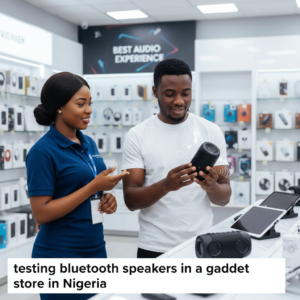
At our gadget store, party-focused buyers often test speakers in-store before deciding — loudness feels different in real life than on paper.

Want to hear how loud a speaker really is? Visit our store and test before you buy.

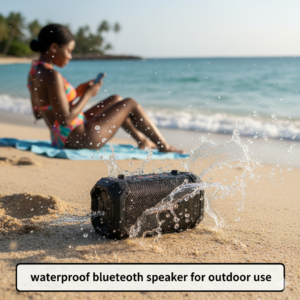
Waterproof Bluetooth Speakers: A Smart Choice?

waterproof bluetooth speaker for outdoor use

A waterproof Bluetooth speaker adds extra peace of mind.

They’re perfect for:

  • Poolside use

  • Beach outings

  • Outdoor events

  • Rainy weather

While not everyone needs waterproofing, it’s a valuable feature if you plan to use your speaker outdoors frequently.

Choosing the Right Bluetooth Speaker in Nigeria

testing bluetooth speakers in a gadget store in Nigeria

To summarize Bluetooth speaker buying:

  • Choose portable Bluetooth speakers for personal use

  • Choose loud Bluetooth speakers for parties

  • Choose waterproof Bluetooth speakers for outdoor use

Avoid buying solely based on price — sound quality and battery life matter more in the long run.

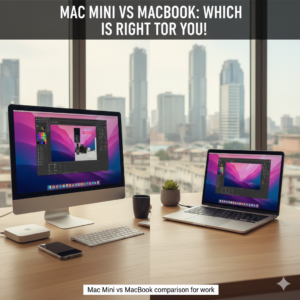
Mac Mini vs MacBook: The Big Apple Decision

Mac Mini vs MacBook comparison for work

Another major decision Nigerians face is choosing between Mac Mini vs MacBook.

Both are powerful Apple computers, but they serve different types of users.

Understanding this difference saves money and frustration.

Mac Mini Comparison: What You Should Know

A proper Mac Mini comparison starts with understanding what it is.

The Mac Mini is:

  • A desktop computer

  • Compact and powerful

  • Requires external monitor, keyboard, and mouse

Mac Mini Is Best For:

  • Office setups

  • Business environments

  • Users who already own monitors

  • People who work from a fixed location

The Mac Mini offers excellent performance at a lower cost compared to many MacBooks.

MacBook vs Desktop: Which Makes More Sense?

The MacBook vs desktop debate comes down to mobility vs stability.

Choose a MacBook If You:

  • Work remotely

  • Move between locations

  • Travel often

  • Need an all-in-one solution

Choose a Desktop (Mac Mini) If You:

  • Work from one location

  • Want better value for money

  • Prefer larger screens

  • Don’t need portability

At our gadget store, customers often compare Mac Mini and MacBook side by side before choosing. You’re welcome to do the same.

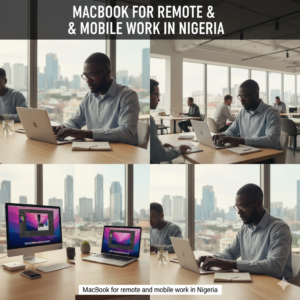
Best Mac for Work in Nigeria

MacBook for remote and mobile work in Nigeria

When people ask about the best Mac for work, the answer depends on the type of work.

For Office & Business Work

  • Mac Mini offers excellent value

  • Stable performance

  • Easy to upgrade accessories

For Creatives & Professionals

  • MacBook offers flexibility

  • Ideal for designers, editors, and developers

  • Portable and powerful

Understanding your workflow helps you avoid overspending.

Apple Mac Buying Guide for Nigerians

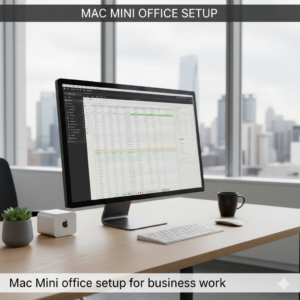
Mac Mini office setup for business work

This Apple Mac buying guide is simple:

Ask yourself:

  1. Do I need portability?

  2. Do I already own a monitor?

  3. Where will I use this computer most?

  4. What type of work do I do?

Answering these honestly will point you toward the right Mac.

At our gadget store in Nigeria, we focus on helping buyers match Macs to real needs — not just trends.

Thinking of buying a Mac? Call or WhatsApp us to discuss your work needs before making a decision.

Bluetooth Speakers vs Traditional Sound Systems

Many buyers wonder if Bluetooth speakers can replace traditional speakers.

For most Nigerians:

  • Bluetooth speakers are more flexible

  • Easier to maintain

  • Better for casual and social use

Traditional systems still have their place, but Bluetooth speakers dominate everyday use.

Where to Buy Quality Gadgets in Nigeria

Whether you’re buying:

  • Bluetooth speakers

  • Mac Mini

  • MacBook

  • Other accessories

Always choose a seller that offers:

  • Original products

  • Warranty

  • Physical location

  • After-sales support

This reduces risk and ensures long-term satisfaction.

Final Thoughts: Buy Smart, Not Just Cheap

Choosing the best Bluetooth speakers or deciding between Mac Mini vs MacBook doesn’t have to be confusing.

When you:

  • Understand your needs

  • Compare properly

  • Buy from a trusted store

You get better value and fewer regrets.

Visit our gadget store in Nigeria, call us, or chat with us on WhatsApp to buy original Bluetooth speakers and Apple Macs with warranty and expert guidance.

Tech Buying Guide for Nigerians: Tablets, Laptops & Everyday Work Gadgets

  • Technology has become a daily necessity for Nigerians — not a luxury. From students attending online classes to professionals working remotely and creatives designing for clients, the right gadgets can make work faster, easier, and more comfortable.

But with so many options in the market, buyers often ask the same questions:

  • Can tablets replace notebooks completely?

  • Is a tablet better than a laptop for work?

  • Do I really need a laptop stand?

  • What exactly is a graphics tablet, and who is it for?

This guide answers those questions clearly, using real-life Nigerian use cases, while helping you choose the right devices for school, work, and creative projects.

At our gadget store in Nigeria, we help customers make these decisions daily — and this article is built on those real conversations.

Can Tablets Replace Notebooks Completely?

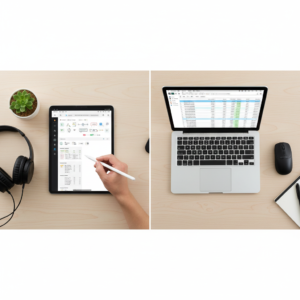
tablets vs notebooks comparison for students and work

One of the most common questions today is:
Can tablets replace notebooks completely?

The short answer is: it depends on how you work.

Tablets vs Notebooks: What’s the Real Difference?

When comparing tablets vs notebooks, the main differences come down to:

  • Input method (touch vs keyboard)

  • Software flexibility

  • Multitasking power

Notebooks (and laptops) are still better for:

  • Heavy typing

  • Programming

  • Accounting software

  • Full desktop applications

However, tablets are rapidly closing the gap.


Tablet vs Laptop: Which One Is Better for You?

The tablet vs laptop debate is no longer about which is “better,” but which is more suitable.

Tablets Are Ideal If You:

  • Attend lectures or meetings

  • Take handwritten or stylus notes

  • Consume content (videos, PDFs, books)

  • Want portability and long battery life

Laptops Are Better If You:

  • Type for long hours

  • Use complex software

  • Need multiple apps open at once

  • Do office or business-heavy tasks

Not sure whether a tablet or laptop fits your needs? Visit our gadget store or WhatsApp us — we help customers choose based on real usage, not hype.

Tablets for Students in Nigeria

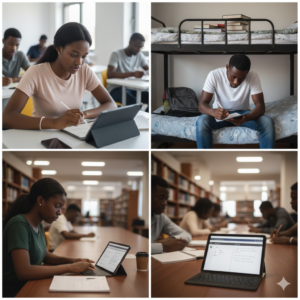
tablets for students in Nigeria for digital note taking

Tablets for students are becoming increasingly popular in Nigeria, especially among:

  • University students

  • Polytechnic students

  • Secondary school learners

Why Students Prefer Tablets

  • Lightweight and easy to carry

  • Affordable compared to laptops

  • Excellent for reading and note-taking

  • Long battery life for school days

Students using tablets for PDFs, online classes, and research often find them more convenient than notebooks.

Tablets for Work and Business Use

tablets for work and business use in Nigeria

Tablets for work are now common among:

  • Sales professionals

  • Content creators

  • Business owners

  • Field workers

With accessories like keyboards and stylus pens, tablets can handle:

  • Emails

  • Presentations

  • Light document editing

  • Video calls

These are what many people refer to as marketable tablets — devices flexible enough to support both personal and professional use.

Digital Note-Taking: Why Tablets Are Replacing Paper

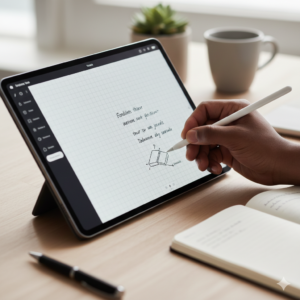
digital note taking on tablet using stylus

One major reason tablets are gaining ground is digital note-taking.

With the right apps and stylus:

  • Notes are searchable

  • Pages never run out

  • Files sync across devices

  • No risk of losing notebooks

For students and professionals who attend meetings frequently, digital note-taking saves time and keeps work organized.

Looking for a tablet that supports smooth digital note-taking? Ask us about stylus-compatible models available in Nigeria.

Why You Need a Laptop Stand for Everyday Work

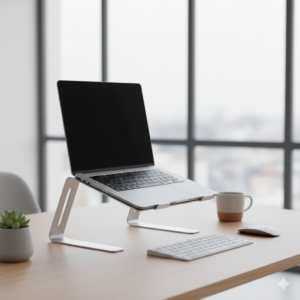
laptop stand for everyday work and productivity

Many Nigerians work long hours on laptops — often without realizing the strain it puts on their bodies.

A laptop stand is one of the simplest yet most effective accessories you can buy.

Benefits of a Laptop Stand

The key benefits of a laptop stand include:

  • Better screen height

  • Reduced neck and back pain

  • Improved airflow and cooling

  • Cleaner desk setup

A laptop stand for everyday work isn’t just for offices — it’s useful at home, school, or coworking spaces.

Ergonomic Laptop Setup: Protect Your Health

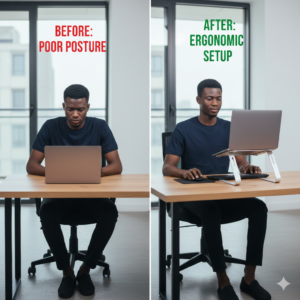
ergonomic laptop setup to improve laptop posture

An ergonomic laptop setup focuses on comfort and posture.

Common Laptop Posture Problems

Without proper setup, many users experience:

  • Neck strain

  • Back pain

  • Wrist discomfort

  • Eye fatigue

A laptop stand helps correct laptop posture by raising the screen to eye level, especially when paired with:

  • External keyboards

  • Wireless mouse

  • Proper seating

These are small laptop accessories, but they make a big difference over time.

laptop accessories including laptop stand and keyboard

We stock adjustable laptop stands suitable for students, remote workers, and office setups. Visit or

message us for options.

What Is a Graphics Tablet?

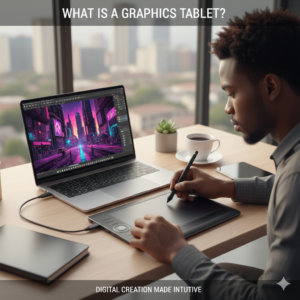
what is a graphics tablet and how it works


Another gadget many Nigerians ask about is:
What is a graphics tablet?

A graphics tablet is a digital input device that allows you to draw, sketch, or design using a stylus — similar to drawing on paper, but digitally.

Unlike regular tablets, graphics tablets are designed specifically for creative work.

How Graphics Tablets Work

Understanding how graphics tablets work is simple:

  • The tablet connects to a computer or device

  • You draw on the tablet surface

  • Your strokes appear on the screen in real time

They are widely used with software like:

  • Adobe Photoshop

  • Illustrator

  • CorelDRAW


Graphics Tablet vs Pen Tablet: Is There a Difference?

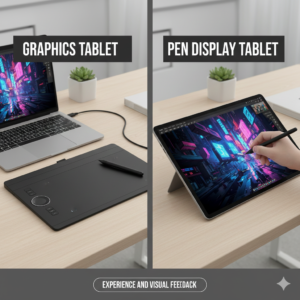
graphics tablet vs pen tablet comparison


Many buyers ask about graphics tablet vs pen tablet.

In practice:

  • The terms are often used interchangeably

  • Both involve drawing with a stylus

  • The key difference is brand terminology

What matters more is functionality, pressure sensitivity, and compatibility.

Drawing Tablets for Designers and Creatives

drawing tablet for graphic designers in Nigeria

A drawing tablet is essential for:

  • Graphic designers

  • Illustrators

  • Animators

  • UI/UX designers

For professionals, graphics tablets for designers provide:

  • Precision

  • Speed

  • Better creative control

At our gadget store, creatives often test tablets physically before buying to ensure comfort and

responsiveness.

If you’re a designer or creative, visit our store to test different graphics tablets before choosing.

Choosing the Right Everyday Work Gadgets in Nigeria

Whether you’re buying:

  • A tablet for school

  • A laptop for work

  • A graphics tablet for design

  • A laptop stand for posture

The goal is the same: work smarter, not harder.

Buying the right gadget once is better than replacing the wrong one later.

Final Thoughts

Technology should support your productivity — not limit it.

Understanding:

  • Tablets vs notebooks

  • Tablet vs laptop use cases

  • The importance of laptop stands

  • How graphics tablets work

…helps you make smarter buying decisions in Nigeria’s fast-growing tech market.

Visit our gadget store in Nigeria, call us, or chat on WhatsApp to get expert advice, original gadgets, and accessories that truly fit your needs.

Essential Apple Accessories for iPhone and Mac Users in Abuja

Essential Apple Accessories for iPhone and Mac Users in Abuja – Upgrade Your Devices

Owning an iPhone or MacBook in Abuja is just the beginning. To get the most out of your Apple devices, the right accessories are essential. From charging solutions to protective gear, audio enhancements, and productivity tools, Apple accessories can improve your experience, protect your devices, and make daily use more enjoyable.

In this guide, we’ll cover the must-have Apple accessories available in Abuja, discuss why they matter, and provide tips for buying genuine products locally.

Why Investing in Apple Accessories Matters in Abuja

Many Apple users in Abuja buy their devices and rely solely on the built-in components. However, accessories offer several advantages:

  • Protect devices from damage and scratches
  • Improve charging efficiency and battery longevity
  • Enhance productivity and workflow
  • Improve entertainment experience with better sound and visuals
  • Ensure compatibility with local power and connectivity standards

With Abuja’s busy lifestyle and occasional power fluctuations, using quality accessories is even more important for keeping devices safe and functional.

Charging Accessories for iPhones and MacBooks

Original Apple chargers and fast charging accessories in Abuja


Proper charging solutions can protect your devices and extend battery life:

  • Original Apple Chargers: Always use genuine Apple chargers and cables to avoid damage and ensure safety.
  • Fast Charging Adapters: Support for iPhone 12, 13, 14, and 15 fast charging standards ensures quick top-ups.
  • MagSafe Accessories: Compatible with iPhone 12 and newer models for wireless charging and device safety.
  • USB-C Adapters and Cables: Essential for MacBook and iPad users in Abuja.

Trusted electronics stores in Wuse, Garki, and Jabi carry certified Apple chargers and cables that meet Apple’s safety standards.

Protective Cases and Screen Guards

iphone cases and macbook protective covers

Protect your Apple devices from everyday wear and tear with:

  • iPhone Cases: Silicone, leather, or rugged cases protect against drops and scratches. Some include cardholders or stands for convenience.
  • MacBook Covers: Hard or soft shell covers prevent scratches and dents during commuting in Abuja.
  • Screen Protectors: Tempered glass or high-quality film protect iPhone and MacBook screens without affecting touch sensitivity.

Investing in quality protective gear is crucial in Abuja’s urban environment, where devices are frequently carried in bags, taxis, and public transport.

Audio Accessories

Apple audio accessories like AirPods and headphones in Abuja

Apple devices shine with high-quality audio, but accessories can enhance your experience:

  • AirPods: Wireless, compact, and ideal for commuting, calls, and casual music listening.
  • Over-Ear Headphones: Perfect for immersive gaming, video editing, or music production on MacBooks.
  • External Speakers: Portable Bluetooth speakers enhance sound quality for iPhones and iPads during gatherings or outdoor use.

Many Apple-certified audio accessories are available in Abuja, ensuring compatibility and authentic sound quality.

Docking Stations and Multiport Hubs

USB-C hubs and docking stations for MacBooks in Abuja

MacBooks often have limited ports, making hubs essential:

  • USB-C Hubs: Add HDMI, USB-A, SD card readers, and Ethernet for enhanced connectivity.
  • Docking Stations: Turn your laptop into a complete workstation with multiple monitors, storage devices, and peripherals.

These accessories are perfect for Abuja-based professionals, content creators, and students who need multi-device setups.

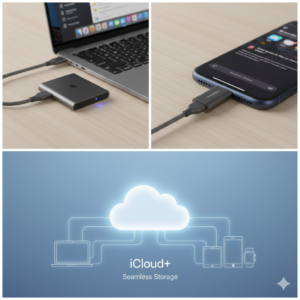
Storage Solutions for iPhones and MacBooks

Apple devices often have fixed storage, so external solutions are necessary:

  • External SSDs and Hard Drives: Back up photos, videos, and documents securely.
  • iCloud Subscription: Cloud storage for seamless backup across Apple devices.
  • OTG Flash Drives: Compatible with iPhones and iPads for quick data transfer on the go.

Using external storage solutions ensures Abuja users never lose important files and can manage large multimedia projects efficiently.

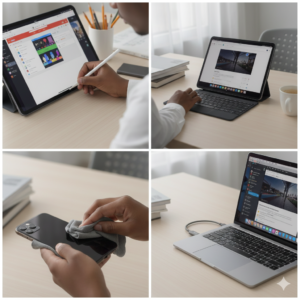
Stylus and Productivity Tools

Apple Pencil and productivity accessories for students in Abuja

For creative professionals and students:

  • Apple Pencil: Works with iPad models for note-taking, drawing, and design projects.
  • Keyboard Covers and Stands: Improve typing comfort on iPads and MacBooks.
  • Screen Cleaners and Microfiber Cloths: Maintain device clarity and hygiene, especially in Abuja’s dusty environment.

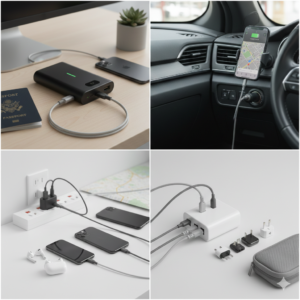
Power Banks and Travel Accessories

Apple-compatible power banks and travel chargers in Abuja

Abuja’s commuters and travelers can benefit from:

  • High-capacity Apple-certified power banks for iPhones and iPads
  • Travel chargers with multi-device capability
  • Car chargers for long drives across Abuja or Nigeria

These accessories ensure your devices stay powered during work, school, or travel.

Where to Buy Apple Accessories in Abuja

Where to buy genuine Apple accessories in Abuja Nigeria

Finding genuine Apple accessories is key. Tips for Abuja buyers:

  • Visit certified Apple resellers or electronics stores in Wuse, Garki, Jabi, and Maitama.
  • Ask about warranty, authenticity, and compatibility.
  • Compare prices between stores to avoid overpaying.
  • Consider online options from reputable local e-commerce sites with delivery in Abuja.

Genuine accessories ensure long-term durability and prevent damage to your iPhone, iPad, or MacBook.

Budgeting Tips for Abuja Apple Users

You don’t need to buy every accessory at once. Start with essentials:

  • Original charger and cable
  • Protective case and screen protector
  • Headset or earbuds

Once you’re comfortable, expand your setup with external storage, hubs, and styluses. Smart budgeting ensures you invest in accessories that truly enhance your Apple experience without overspending.

Maintaining Your Apple Accessories in Abuja

Proper maintenance prolongs the life of your accessories:

  • Keep chargers, cables, and earbuds away from dust and moisture
  • Store MacBook covers and laptop stands properly when not in use
  • Use microfiber cloths to clean screens regularly
  • Follow manufacturer guidelines for charging and storage

Regular care ensures accessories last longer and continue to perform reliably in Abuja’s climate and urban environment.

Conclusion & Call-to-Action

Upgrade your Apple devices with quality accessories in Abuja


Apple devices are a valuable investment, and the right accessories in Abuja can maximize their potential. From chargers and protective cases to audio enhancements, hubs, and storage solutions, these accessories improve productivity, comfort, and entertainment.

Visit trusted electronics stores in Abuja today, ask for genuine Apple accessories, and elevate your iPhone and Mac experience to the next level.

Meta description: Discover the essential Apple accessories for iPhone and Mac users in Abuja. Learn where to buy genuine chargers, cases, storage, and productivity tools in Nigeria.

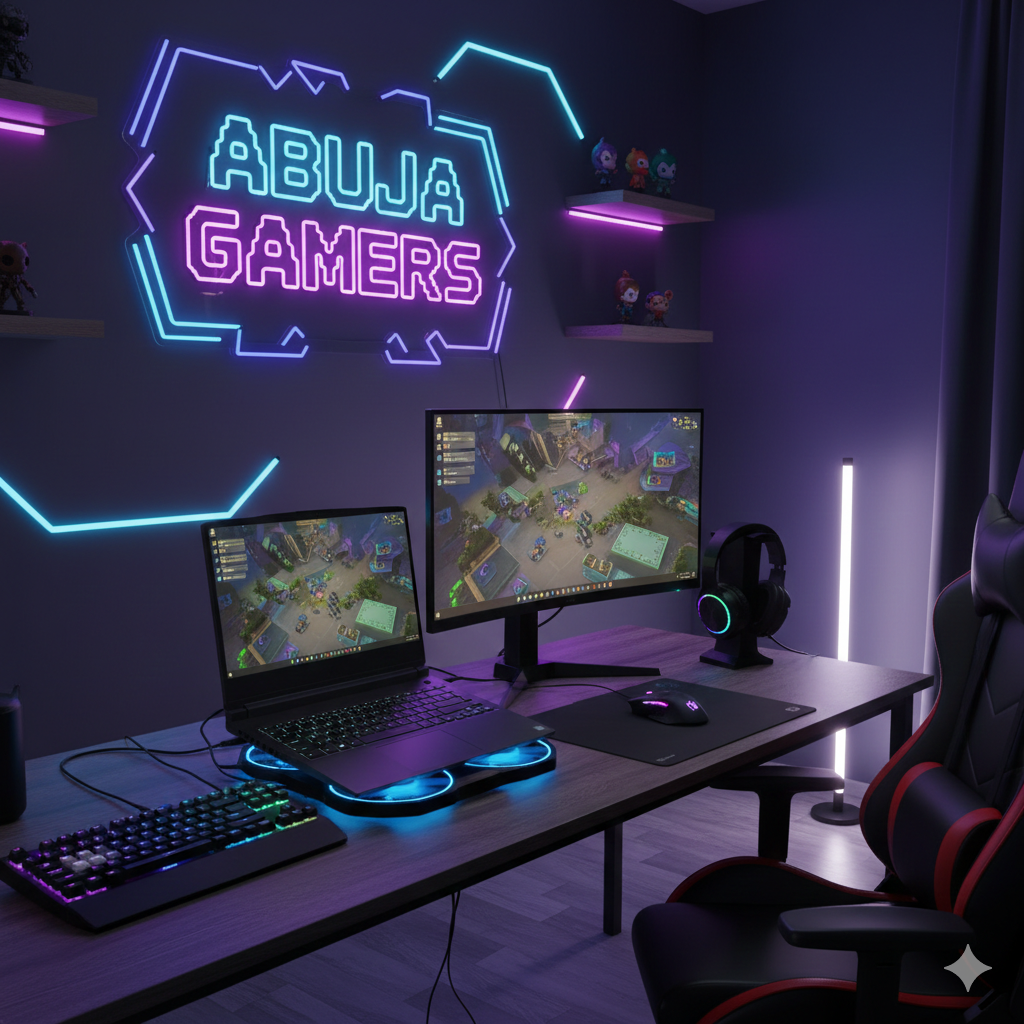
Abuja gamers using gaming laptops and accessories

Gaming Laptop Accessories Every Abuja Gamer Should Own

Gaming Laptop Accessories Every Abuja Gamer Should Own – Enhance Performance and Comfort

Gaming on a laptop is a growing trend in Abuja. With the rise of competitive eSports, content creation, and streaming, gamers need more than just a powerful laptop—they need the right accessories. The right gaming laptop accessories not only improve performance but also enhance comfort, durability, and the overall gaming experience.

In this guide, we’ll explore the essential gaming laptop accessories available in Abuja, discuss their benefits, and provide tips for selecting the best gear locally.

Why Gaming Laptop Accessories Matter in Abuja

Many Abuja gamers focus solely on their laptop specs: GPU, CPU, RAM, and storage. While these are important, accessories can make a huge difference in comfort and gameplay. Poor ergonomics or overheating laptops can lead to fatigue and reduced performance. Accessories address these issues and optimize your gaming setup.

Whether you’re a casual gamer in Wuse or a professional eSports player in Garki, the right accessories help you compete effectively, play comfortably, and protect your investment.

Cooling Pads – Keep Your Laptop Cool in Abuja

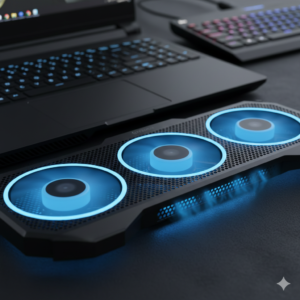
Gaming laptop cooling pad with multiple fans

Gaming laptops generate a lot of heat, which can affect performance and shorten hardware lifespan. A good cooling pad is essential for:

  • Reducing CPU and GPU temperatures during long sessions
  • Preventing thermal throttling that slows down gameplay
  • Providing ergonomic laptop elevation for better posture

Many Abuja gamers prefer cooling pads with multiple fans and adjustable heights. Popular brands include Cooler Master, Deepcool, and Havit, which are available at reputable electronics shops in Wuse and Jabi.

External Keyboards and Gaming Mice

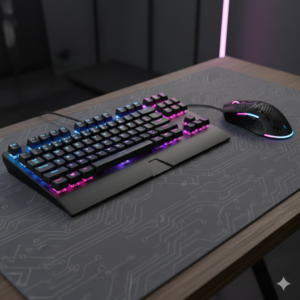
Mechanical gaming keyboard and precision gaming mouse

Laptop keyboards are often compact and lack mechanical switches, which can limit gaming performance. External accessories solve this:

  • Mechanical Keyboards: Offer faster response times, tactile feedback, and durability. Perfect for competitive gamers.
  • Gaming Mice: High DPI, programmable buttons, and ergonomic designs improve precision and comfort. Brands like Logitech, Razer, and Corsair are popular in Abuja.

Using an external keyboard and mouse also reduces strain on your laptop’s built-in keyboard and enhances overall control.

Headsets and Audio Accessories

Gaming headset with microphone for immersive gameplay

Clear audio is critical for immersive gameplay and team communication:

  • Gaming Headsets: Provide surround sound, noise isolation, and built-in microphones. Essential for multiplayer games and streaming.
  • External Speakers: If you prefer not to use headsets, quality speakers deliver crisp and powerful audio for immersive experiences.

Abuja gamers should prioritize headsets with comfortable ear cushions and adjustable headbands for extended sessions.

External Monitors – Expand Your Gaming Field

Gaming laptop connected to external high refresh rate monitor

Many laptop screens are too small for immersive gaming or multitasking. An external monitor helps by:

  • Providing a larger, high-refresh-rate display for competitive gaming
  • Allowing dual-screen setups for streamers or content creators
  • Reducing eye strain with better resolution and refresh rates

Brands like ASUS, LG, and Samsung offer monitors with 144Hz+ refresh rates suitable for Abuja gamers seeking smooth visuals.

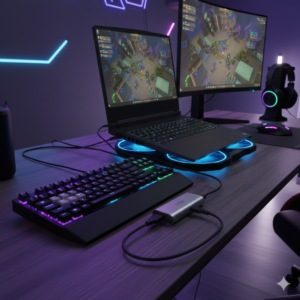
Docking Stations and USB Hubs

USB-C docking station for gaming laptop accessories

Gaming laptops often have limited ports. Docking stations and USB hubs help:

  • Connect multiple peripherals like keyboards, mice, headsets, and monitors
  • Charge devices and expand connectivity options
  • Keep your gaming desk organized

Docking stations are especially useful for Abuja gamers who frequently switch between mobile and stationary setups.

Laptop Bags and Protective Cases

Protective laptop bag and gaming laptop case

Many gamers in Abuja move between home, school, and gaming cafes. Protecting your laptop is essential:

  • Padded Laptop Bags: Prevent scratches and absorb minor impacts.
  • Hard Shell Cases: Protect the laptop from accidental bumps and spills.
  • Keyboard Covers: Protect keys from dust, liquids, and wear.

Portable Power Banks and Battery Solutions

Gaming laptops are power-hungry. Abuja gamers often face irregular power supply or need to game on the go:

  • High-capacity power banks keep gaming laptops and peripherals running
  • UPS units protect against power fluctuations and surges
  • Ensure compatibility with your laptop’s voltage and amperage requirements

Mouse Pads and Desk Mats

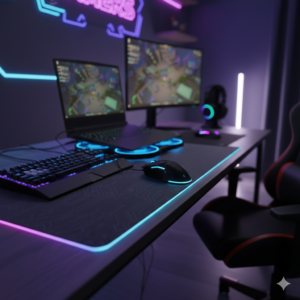
Extended gaming mouse pad and desk mat

Precision is key in gaming. A quality mouse pad helps:

  • Improve tracking for optical and laser mice
  • Provide a smooth surface for swift movements
  • Protect your desk from scratches and wear

Extra-large desk mats also offer a uniform surface for both keyboard and mouse, enhancing comfort during long sessions.

Cooling & Maintenance Accessories

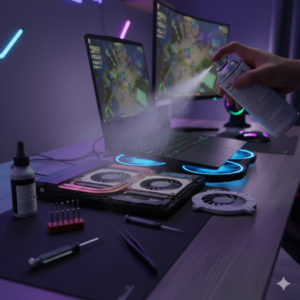
Laptop maintenance tools for gaming performance

Gaming laptops require regular maintenance to perform optimally in Abuja’s warm climate:

  • USB-powered fans or cooling pads reduce heat buildup
  • Compressed air cans for cleaning dust from vents
  • Thermal paste application for CPU/GPU optimization

Keeping laptops cool extends lifespan and ensures smooth gameplay.

Choosing the Right Accessories for Your Gaming Style

Not all gamers need the same setup. Consider your priorities:

  • Competitive Gamers: High-refresh-rate monitors, mechanical keyboards, precision mice
  • Streamers: Headsets, external monitors, webcam, and capture cards
  • Casual Gamers: Cooling pad, comfortable headset, protective cases
  • Mobile Gamers: Compact external mouse, USB-C hubs, portable power banks

Trusted Stores in Abuja for Gaming Laptop Accessories

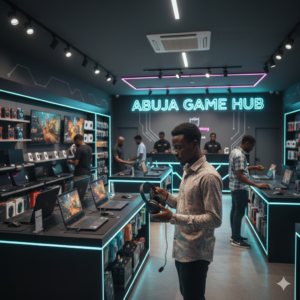
Electronics store in Abuja selling gaming accessories

Abuja has multiple electronics stores where you can get reliable gaming accessories:

  • Check Wuse, Jabi, and Garki electronics markets for variety and pricing
  • Look for authorized distributors of brands like Logitech, Razer, Corsair, ASUS, and Cooler Master
  • Verify warranty and authenticity before purchase

Buying from trusted sources ensures your accessories last longer and perform reliably.

Budgeting Tips for Abuja Gamers

You don’t need to buy everything at once. Start with essentials:

  • Cooling pad and headset
  • External mouse and mouse pad
  • Protective bag or case

As you progress, invest in high-end monitors, mechanical keyboards, and docking stations. Quality accessories save money in the long term by preventing damage and improving performance.

Conclusion & Call-to-Action

Gaming laptops in Abuja can deliver excellent performance, but accessories take your setup to the next level. From cooling pads and mechanical keyboards to headsets and external monitors, the right accessories improve comfort, efficiency, and gameplay.

Visit trusted Abuja electronics stores today, invest in quality accessories, and elevate your gaming experience to professional levels.

Meta description: Discover the essential gaming laptop accessories every Abuja gamer needs. Improve performance, comfort, and durability with local options and tips.

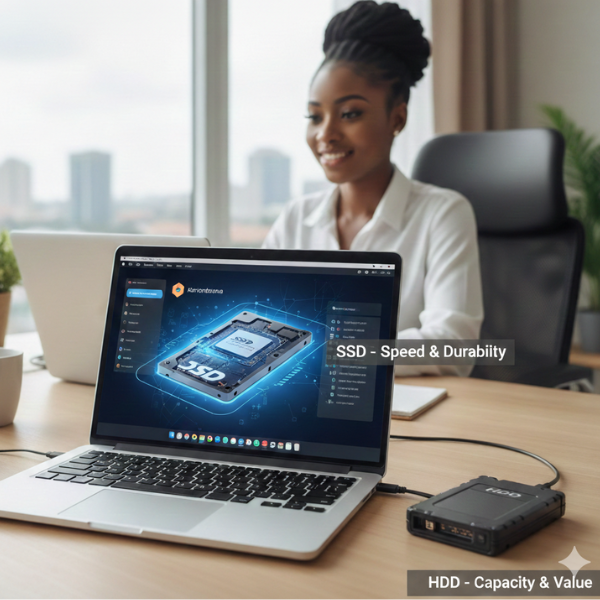
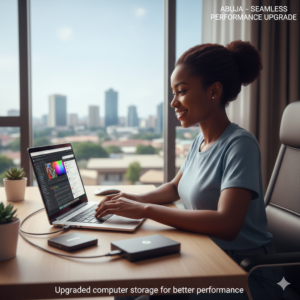
SSD vs HDD – Which Storage Upgrade Should You Get in Abuja?

SSD vs HDD in Abuja – How to Choose the Best Storage Upgrade for Your Laptop or Desktop

If you’re using a computer in Abuja, whether for work, school, gaming, or content creation, storage is one of the most critical components. Choosing the right storage device affects speed, reliability, and how much data you can store. Many users face the dilemma: should I get a traditional hard disk drive (HDD) or a solid-state drive (SSD)?

In this guide, we’ll explain the difference between SSDs and HDDs, discuss their pros and cons, and help Abuja buyers make an informed choice when upgrading or buying a new computer.

Why Storage Matters for Computer Users in Abuja

Storage is more than just saving files. It determines how fast your computer boots, loads programs, transfers data, and handles heavy applications. A slow or failing storage device can make even high-end computers feel sluggish.

In Abuja, many users experience power fluctuations or purchase devices from multiple import sources. This makes investing in reliable storage even more important, both for performance and data safety.

generate image using this instructions

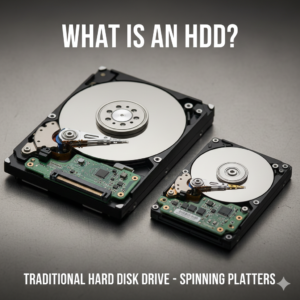
What Is an HDD?

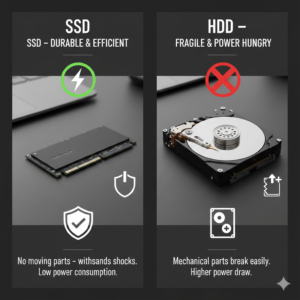
An HDD, or Hard Disk Drive, is a traditional storage device that uses spinning disks to read and write data. They have been around for decades and remain widely used because they are cost-effective and offer large storage capacities.

**Advantages of HDDs:**

  • Lower cost per gigabyte
  • High storage capacity (up to several terabytes)
  • Widely available in Abuja computer stores

**Disadvantages of HDDs:**

  • Slower read and write speeds
  • More prone to physical damage
  • Bulkier and heavier for laptops
  • Consumes more power

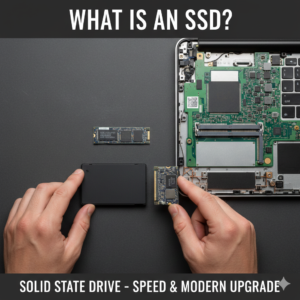
What Is an SSD?

An SSD, or Solid-State Drive, stores data on flash memory instead of spinning disks. SSDs are increasingly popular in Abuja and across Nigeria due to their speed and reliability.

**Advantages of SSDs:**

  • Faster boot and load times
  • Durable with no moving parts
  • Smaller and lighter than HDDs
  • Lower power consumption
  • Improved gaming and application performance

**Disadvantages of SSDs:**

  • Higher cost per gigabyte
  • Limited storage in budget models (usually 256GB–1TB)

Which Storage Option Is Best for Abuja Buyers?

The choice depends on your usage:

  • Students: 500GB–1TB HDD or 256GB–512GB SSD is enough for assignments, research files, and casual use.
  • Gamers: SSDs improve game load times and system responsiveness. Many Abuja gamers use a combo: SSD for games + HDD for additional storage.
  • Content Creators: SSDs are ideal for video editing, rendering, and storing large files. Backup HDDs can supplement storage.
  • Office Professionals: SSDs improve workflow speed, but large HDDs can store archives and backups cheaply.

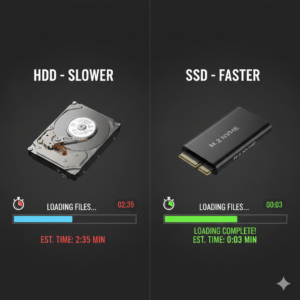
SSDs vs HDDs: Speed and Performance Comparison

Speed is the most obvious difference. Consider these real-world examples:

  • A laptop with an SSD boots in 10–20 seconds; with an HDD, it can take 1–2 minutes.
  • Programs like Photoshop, Premiere Pro, and games load significantly faster on SSDs.
  • File transfer speeds are 3–6x faster on SSDs compared to HDDs.

For Abuja users who multitask or use heavy applications, SSDs drastically improve the experience.

Durability and Power Considerations

Abuja experiences occasional power fluctuations and surges. SSDs are more resistant to shock and power interruptions because they have no moving parts. HDDs, on the other hand, can fail if dropped or exposed to sudden electricity issues. For laptops carried around Abuja or for small businesses, SSDs are safer and more reliable.

Cost Comparison in Abuja

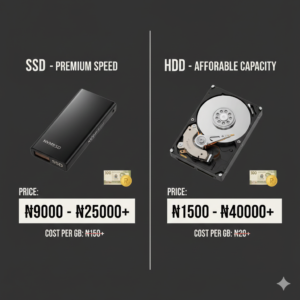
Prices for storage devices vary based on capacity, brand, and type:

  • 500GB HDD: ₦25,000 – ₦35,000
  • 1TB HDD: ₦40,000 – ₦60,000
  • 256GB SSD: ₦25,000 – ₦40,000
  • 512GB SSD: ₦45,000 – ₦70,000
  • 1TB SSD: ₦90,000 – ₦120,000

Buying from reputable Abuja stores ensures you get genuine products with warranty. Avoid very cheap drives from street vendors, as counterfeit or low-quality drives fail quickly.

Hybrid Approach: Best of Both Worlds

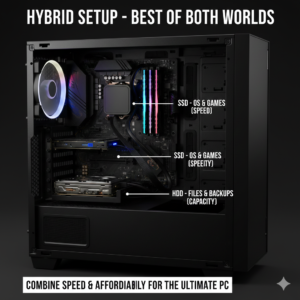
Many Abuja users adopt a hybrid storage setup:

  • SSD as the main drive for operating system, apps, and frequently used files
  • HDD for backup, movies, games, and large archives

This strategy balances speed, reliability, and storage capacity while keeping costs manageable.

Tips for Buying Storage Devices in Abuja

  • Check for genuine branded products from Samsung, Western Digital, Kingston, Seagate, or Crucial.
  • Ask about warranty and return policies.
  • Check for SATA vs NVMe SSD compatibility with your laptop or desktop.
  • Consider buying from electronics hubs in Wuse, Garki, or Jabi for availability and variety.
  • Verify storage capacity using system properties or disk management immediately after purchase.

Storage Maintenance Tips

Even high-quality SSDs and HDDs need care:

  • Backup important data regularly to cloud storage or external drives
  • Use antivirus software to avoid data corruption
  • For HDDs, avoid dropping or moving your computer while it’s running
  • Monitor storage health using software tools

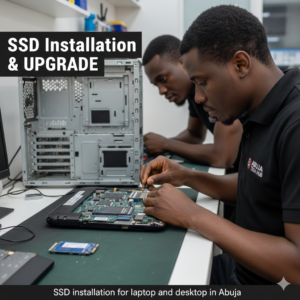
Upgrading Your Laptop or Desktop in Abuja

Upgrading to an SSD or adding additional storage is straightforward:

  • Many laptops support one SSD slot plus an HDD slot.
  • Desktops usually have multiple bays for HDDs and M.2 slots for SSDs.
  • Professional Abuja computer shops can assist with installation and data migration.

With proper guidance, you can enhance your computer’s performance without replacing the entire system.

Who Should Upgrade to an SSD in Abuja

  • Gamers seeking faster game load times
  • Students who need speed and reliability for assignments
  • Professionals and content creators editing large files
  • Office workers who want faster multitasking
  • Anyone tired of slow boot times and lagging systems

An SSD upgrade is often the easiest and most noticeable performance improvement you can make.

Conclusion & Call-to-Action

Whether you choose an HDD, SSD, or a combination of both, understanding your storage needs is crucial. Abuja buyers should focus on quality, reliability, and warranty when purchasing storage devices. Investing in the right storage improves speed, productivity, and longevity of your computer.

If you’re looking to upgrade your laptop or desktop in Abuja, visit trusted electronics stores in Wuse, Garki, or Jabi, ask about original SSDs and HDDs, and get professional guidance to ensure your computer performs at its best.

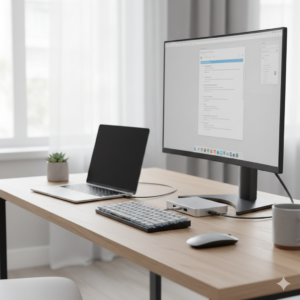
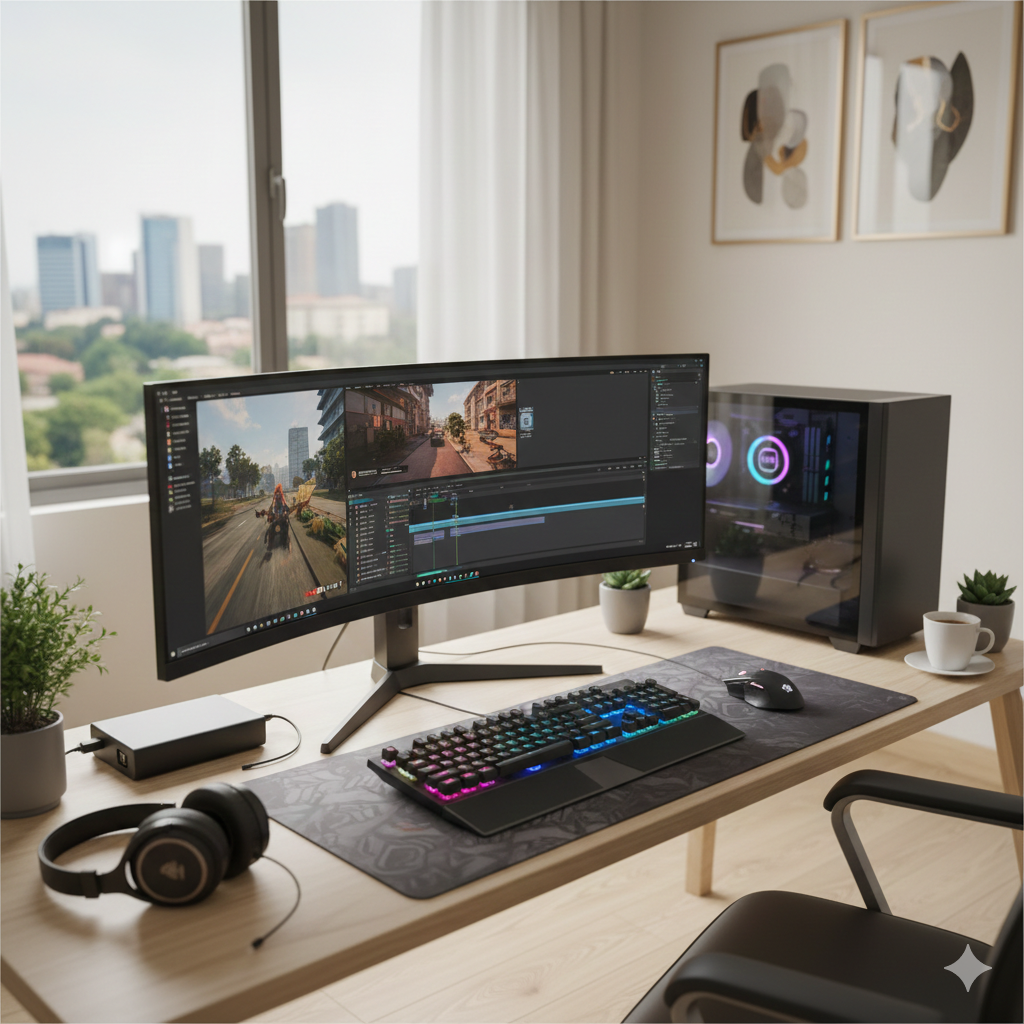
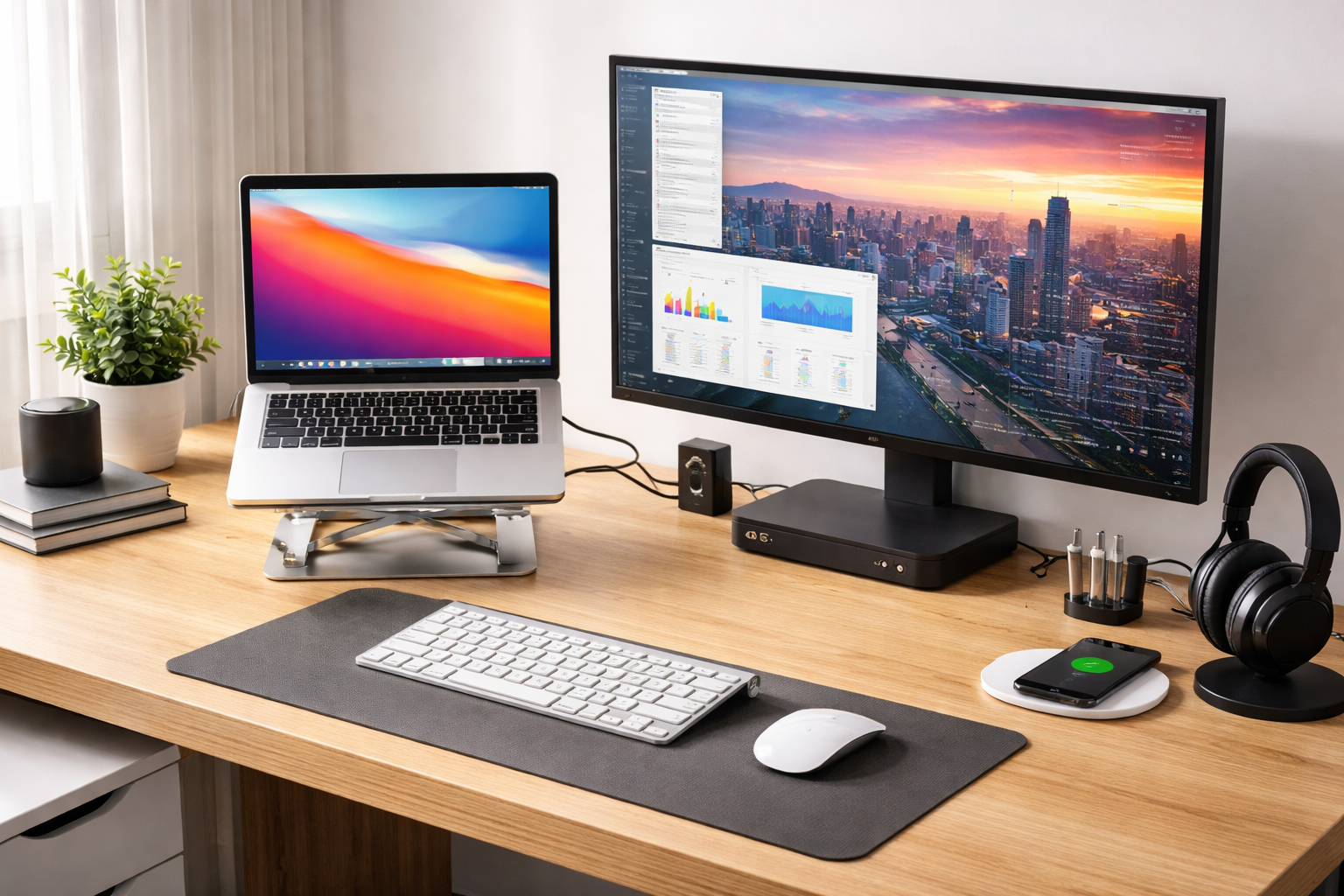
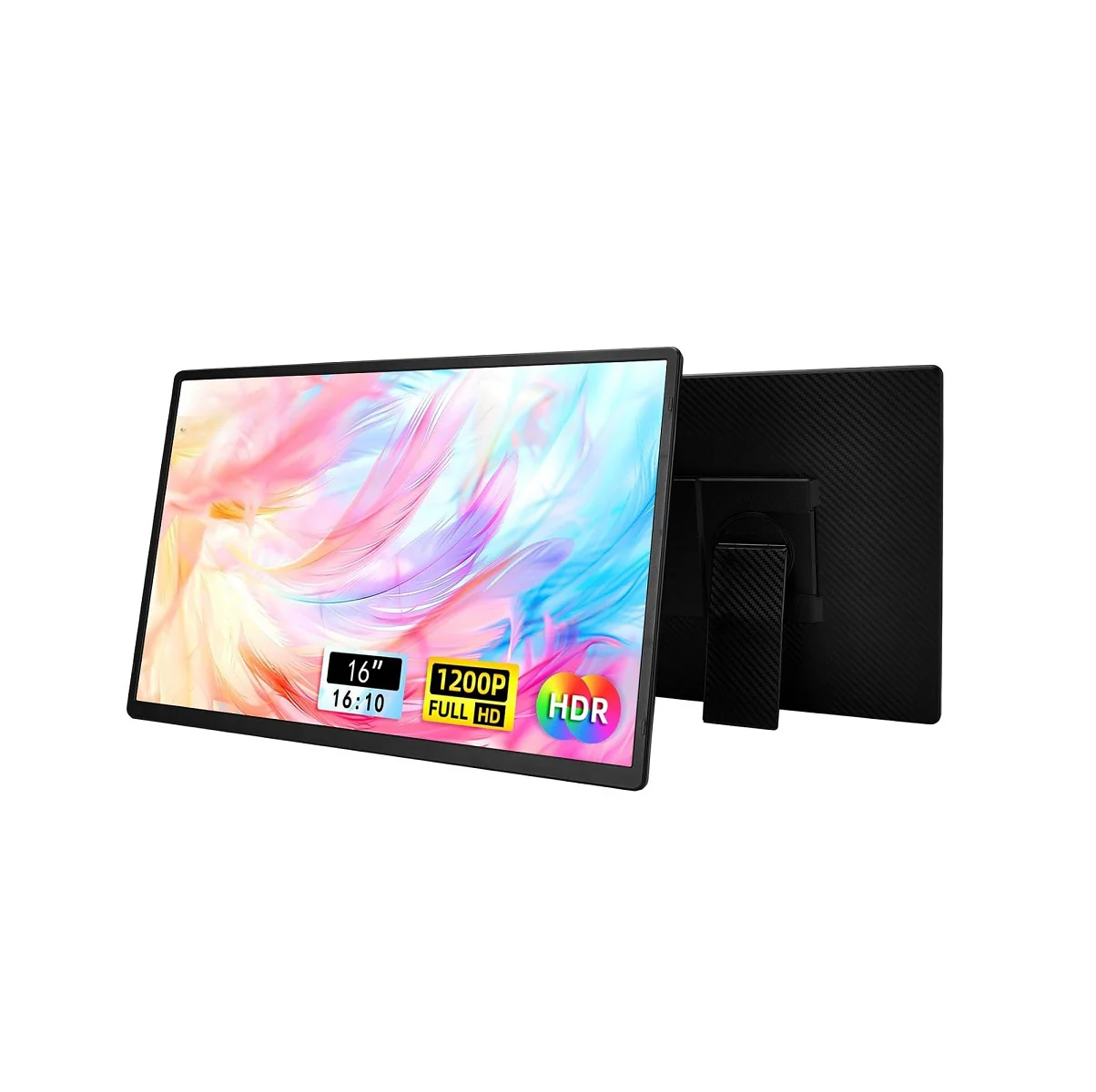
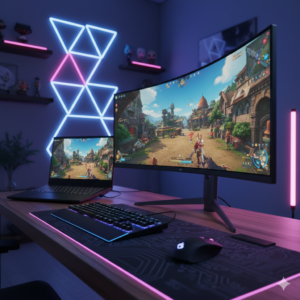
Modern desk setup with a widescreen monitor

Monitor Buying Guide for Gamers and Professionals in Abuja

Monitor Buying Guide for Gamers and Professionals in Abuja – How to Choose the Best Display for Your Setup

If you spend hours working, gaming, or creating content on a computer, your monitor is one of the most important components of your setup. Many people focus on the CPU, graphics card, or laptop specs, but the reality is a poor monitor can ruin productivity, strain your eyes, and diminish your gaming or content experience.

In Abuja, computer users — whether students, office workers, designers, or gamers — often ask: “Which monitor should I buy?” This guide breaks down everything you need to know about buying the perfect monitor in Abuja, including types, features, price expectations, and trusted local options.

Why Choosing the Right Monitor Matters in Nigeria

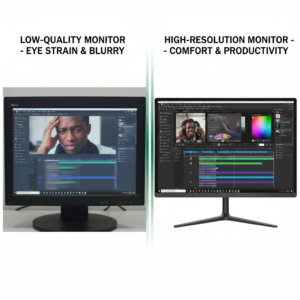
Monitors are more than just screens; they are the interface between you and your work or play. Choosing the wrong monitor can cause:

  • Eye strain and headaches from poor resolution or refresh rates
  • Reduced productivity for multitasking professionals
  • Lag and stutter for gamers due to low refresh rates
  • Poor color accuracy for designers and content creators

Investing in the right monitor ensures your eyes are comfortable, your workflows are smooth, and your gaming or content experience is optimized. In Nigeria, especially Abuja, power fluctuations and import challenges mean it’s important to buy from reliable local stores that provide warranties and original products.

Monitor Types Available in Abuja

Not every monitor is suitable for every use. Understanding the types will help you make an informed decision.

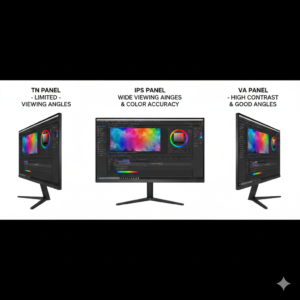
  • TN (Twisted Nematic) Panels: Affordable and great for competitive gamers due to fast response times. Colors and viewing angles are limited.
  • IPS (In-Plane Switching) Panels: Offers excellent color accuracy and wide viewing angles, perfect for designers, content creators, and office work.
  • VA (Vertical Alignment) Panels: Balances color accuracy and contrast. Ideal for casual gaming and multimedia use.

Key Monitor Features to Consider

Key Monitor Features to Consider in Abuja

When shopping for a monitor, don’t focus only on size or brand. The following features are crucial:

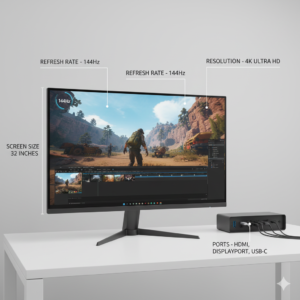
  • Resolution: Full HD (1920×1080) is standard for general use. QHD (2560×1440) and 4K (3840×2160) are better for gaming and professional content creation.
  • Refresh Rate: Standard monitors have 60Hz. Gamers should aim for 120Hz or 144Hz for smoother gameplay.
  • Response Time: A lower response time (1ms–5ms) reduces ghosting in fast-paced games.
  • Screen Size: 24–27 inches is ideal for general use. 27–32 inches is better for designers, editors, and gamers who want immersive experiences.
  • Panel Coating: Matte coatings reduce glare in bright Abuja offices or homes.
  • Connectivity: Ensure HDMI, DisplayPort, USB-C, and audio ports match your computer setup.

Monitors for Gamers in Abuja

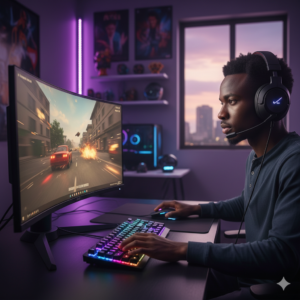
Gamers in Abuja need monitors that provide high refresh rates, low response times, and immersive visuals. Look for:

  • 144Hz or higher refresh rates for smooth gameplay
  • 1ms–5ms response time to avoid lag
  • Adaptive sync technologies like G-Sync or FreeSync
  • Curved or ultra-wide monitors for immersive experiences

Brands like LG, Samsung, ASUS, and Acer are widely available in Abuja electronics shops. Always test the monitor or check reviews to ensure genuine performance.

Monitors for Professionals and Designers in Abuja

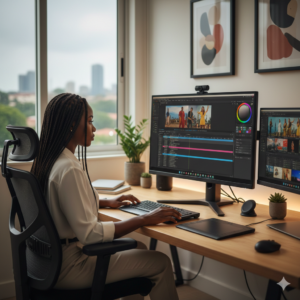
Office workers, content creators, and designers need monitors that prioritize color accuracy and multitasking. Features to look for include:

  • IPS panels for accurate colors and wide viewing angles
  • QHD or 4K resolution for crisp visuals
  • Multiple connectivity options (HDMI, USB-C, DisplayPort)
  • Adjustable stands to improve ergonomics and reduce neck strain

These monitors are slightly more expensive, but investing in quality displays ensures long-term productivity and reduces eye fatigue.

Monitor Size Guide for Abuja Buyers

Choosing the right size depends on your desk space, usage, and viewing distance:

  • 21–24 inches: Compact, ideal for students and small workspaces
  • 25–27 inches: Most popular size for general use, gaming, and content creation
  • 28–32 inches: Great for immersive gaming, editing, and professional workflows
  • Curved and ultra-wide monitors: Ideal for multitasking and immersive environments

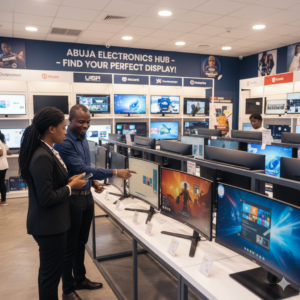
Where to Buy Monitors in Abuja

Where to Buy Monitors in Abuja

Abuja has multiple electronics hubs, but you want **reliable sellers** to avoid fake or low-quality imports. Tips for Abuja buyers:

  • Check for authorized dealers of brands like LG, Samsung, ASUS, Dell, and Acer
  • Ask about warranty and return policies
  • Compare prices across stores to avoid overpaying
  • Test the monitor if possible before purchase

Whether you’re in Wuse, Garki, or Maitama, local electronics stores often stock original monitors and accessories suitable for gamers and professionals alike.

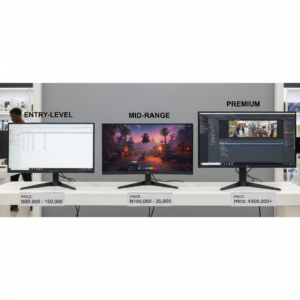
Monitor Prices in Abuja – What to Expect

Monitor Prices in Abuja – What to Expect

Monitor prices vary based on size, resolution, and brand. Approximate ranges:

  • Basic 21–24” Full HD monitor: ₦55,000 – ₦75,000
  • Mid-range 24–27” QHD monitor: ₦95,000 – ₦150,000
  • High-end 27–32” 4K or gaming monitor: ₦180,000 – ₦300,000+

Prices fluctuate depending on import costs, demand, and store location. Always check for authenticity and warranty before purchasing.

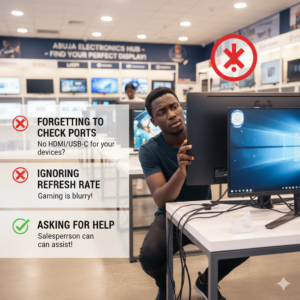
Common-Mistakes-Abuja-Buyers-Should-Avoid

Common Mistakes Abuja Buyers Should Avoid

  • Buying based on brand alone without checking specifications
  • Ignoring refresh rate or response time for gaming monitors
  • Purchasing monitors with insufficient ports or incompatible connectors
  • Overlooking ergonomics, such as adjustable stands and height

By avoiding these mistakes, Abuja buyers can save money and get monitors that truly meet their needs.

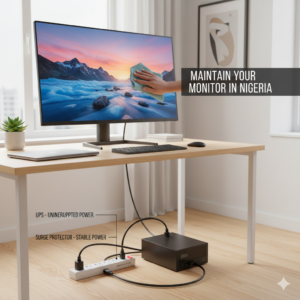
Tips for Maintaining Your Monitor in Nigeria

Abuja’s climate and frequent power fluctuations can affect monitor longevity. To protect your investment:

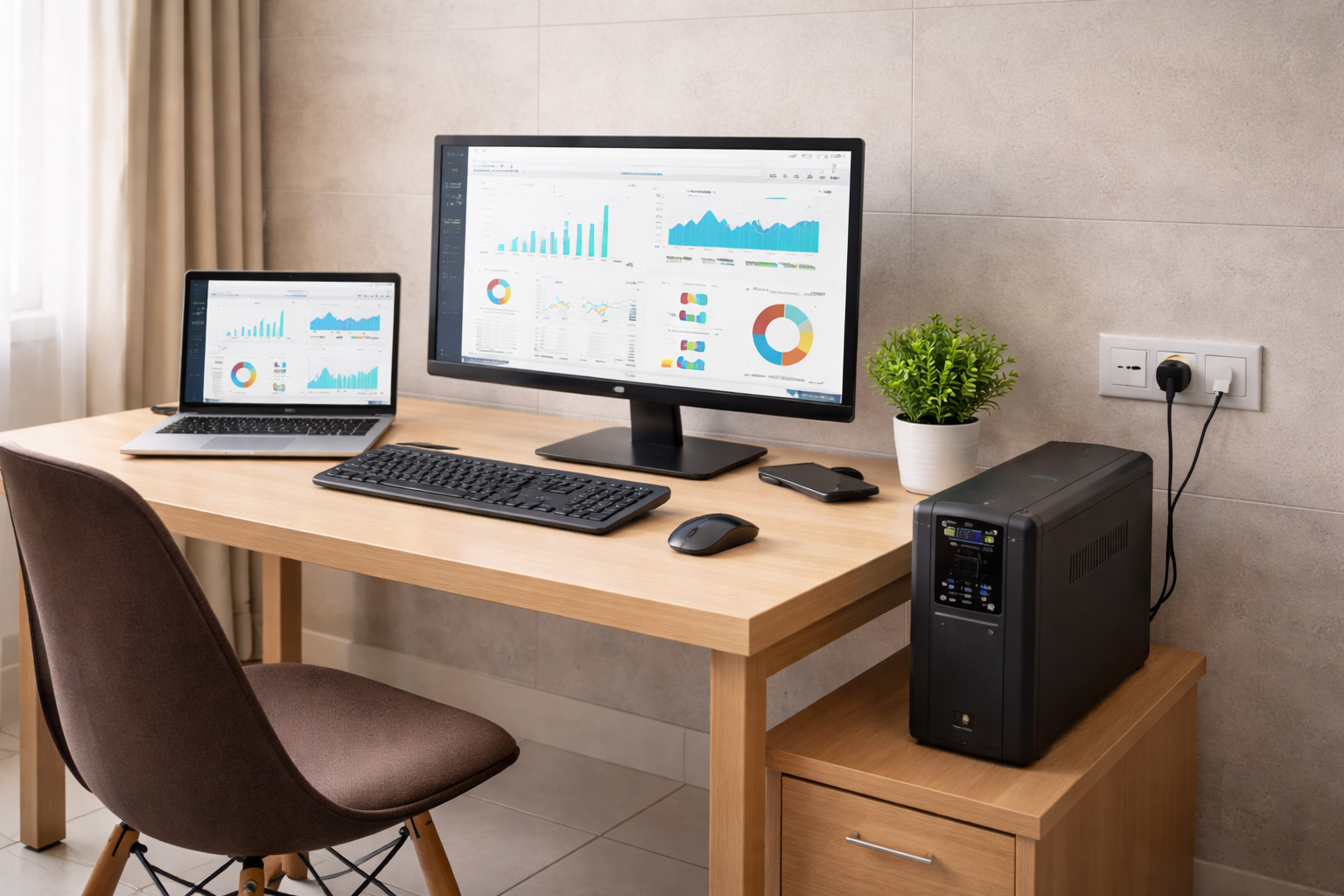
  • Use surge protectors or UPS for desktops
  • Keep monitors clean with microfiber cloths
  • Avoid direct sunlight and excessive heat exposure
  • Do not tap or press the screen forcefully
  • Follow manufacturer guidelines for calibration and updates

Final Advice for Abuja Buyers

Choosing a monitor in Abuja doesn’t have to be stressful. Decide what matters most: color accuracy, refresh rate, size, or portability. Compare options at reputable stores and check warranties before purchasing. Remember, a good monitor is a long-term investment in your productivity, comfort, and entertainment experience.

Conclusion & Call-to-Action

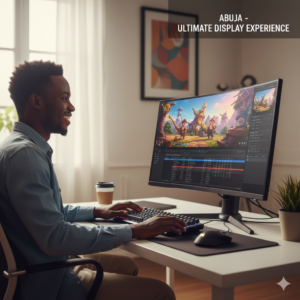
Whether you’re gaming, designing, or working remotely in Abuja, the right monitor can dramatically improve your experience. Focus on features, test before you buy, and invest in quality. Start exploring trusted electronics stores today to find your ideal monitor and enjoy a better, more productive computing experience.

Meta description: A complete Abuja guide to buying monitors for gaming, office, and content creation with tips on features, prices, and trusted local stores.

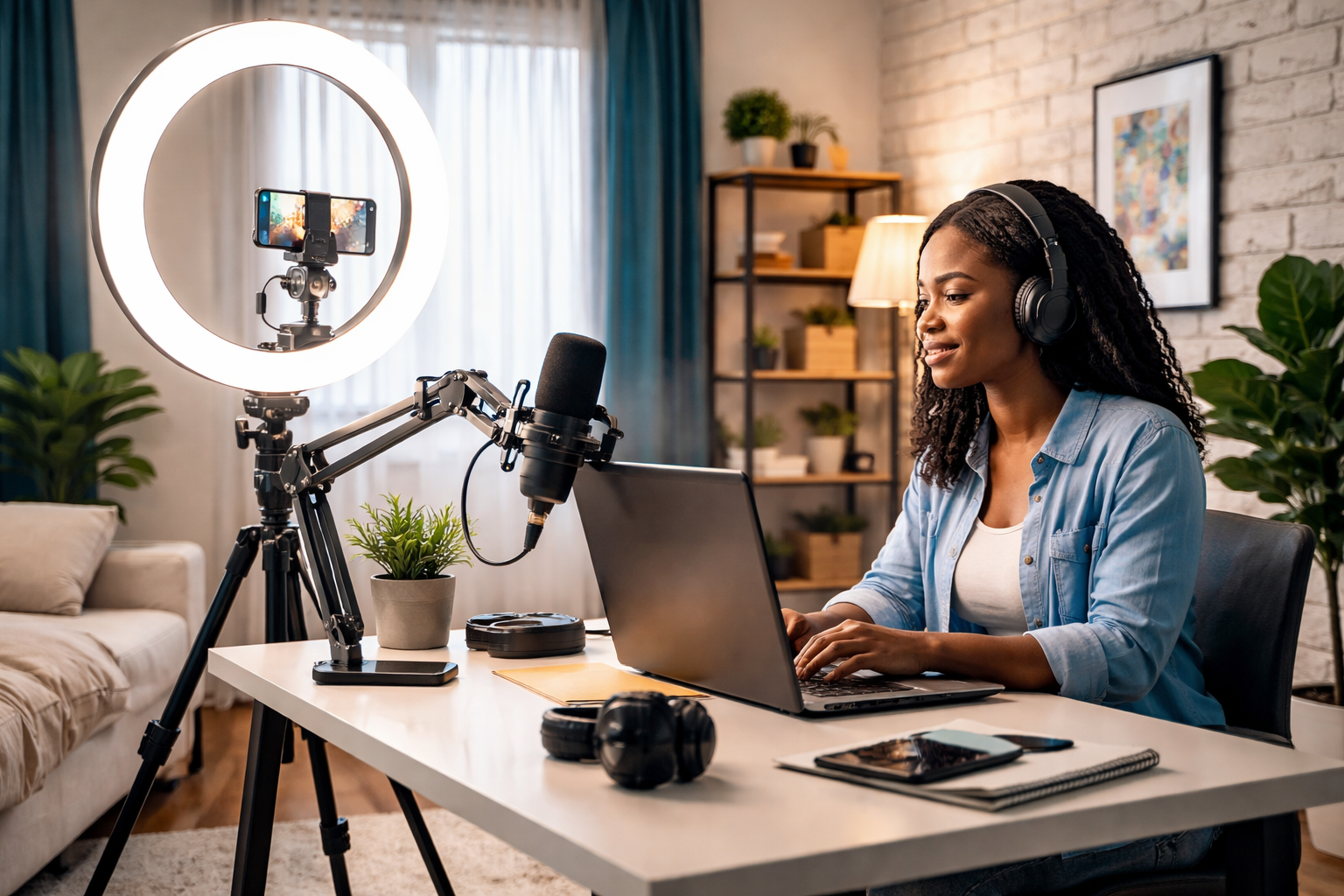
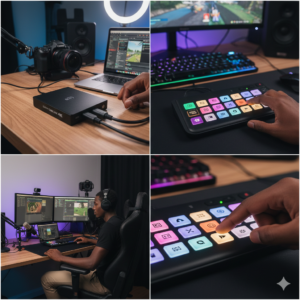
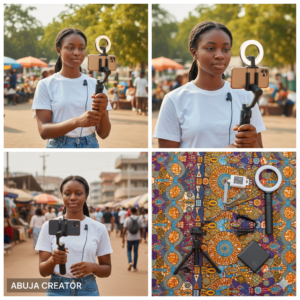
Content Creation & Streaming Accessories in Abuja – What You Need to Create Professional Content

Content creation has grown rapidly in Abuja. From YouTubers and TikTok creators to podcasters, online tutors, and remote professionals, more people now rely on digital content for income, visibility, and communication. While creativity is important, the right content creation accessories are what truly separate amateur content from professional results.

In this guide, we’ll break down the essential content creation and streaming accessories available in Abuja, explain how each one improves quality, and help you choose what fits your budget and goals.

Content Creation Growth in Abuja

Why Accessories Matter for Content Creators in Abuja

Many beginners focus on cameras or phones and ignore accessories. However, poor lighting, unclear audio, and unstable video can quickly push viewers away, no matter how good your ideas are.

Abuja creators often work from home, offices, or small studios. The right accessories help you create consistent, high-quality content even in limited spaces.

Microphones for Clear Audio Recording

Microphones for Clear Audio Recording

Audio quality is one of the most important elements of content creation. Viewers are more likely to tolerate average video than poor sound.

USB Microphones

USB microphones are popular among Abuja creators because they are easy to use and compatible with laptops and desktops. They are ideal for:

  • Podcasts
  • Voice-overs

  • Online classes

  • Live streaming

They offer clean audio without complicated setups.

Lavalier (Clip-On) Microphones

These small microphones are perfect for mobile creators. They are commonly used for:

  • TikTok and Instagram videos

  • Interviews

  • Vlogs

They provide clear voice capture while keeping your hands free.

Lighting Accessories for Professional Video Quality

Lighting Accessories for Professional Video Quality

Lighting makes a huge difference in how your content looks.

Ring Lights

Ring lights provide even lighting and reduce facial shadows. They are commonly used for:

  • Beauty content

  • Tutorials

  • Talking-head videos

Many creators in Abuja rely on ring lights because they work well in low-light environments.

LED Panel Lights

LED panels offer more control over brightness and color temperature. They are great for studio-style setups and YouTube channels that want cinematic lighting.

Cameras-Webcams-and-Video-Accessories

Cameras, Webcams, and Video Accessories

Webcams for Streaming and Meetings

External webcams deliver better video quality than built-in laptop cameras. They are useful for:

  • Live streaming

  • Online meetings

  • Virtual classes

Good webcams improve clarity and professionalism.

Tripods and Phone Mounts

Shaky videos reduce viewer engagement. Tripods stabilize cameras and smartphones, making videos smoother and more professional.

Adjustable tripods allow different shooting angles and heights.

Audio Monitoring and Accessories

Audio Monitoring and Accessories

Headphones for Content Creators

Headphones allow creators to monitor audio quality in real time. Closed-back headphones help isolate background noise and improve sound accuracy.

Audio Interfaces

For creators using professional microphones, audio interfaces improve sound quality and offer better control over audio levels.

Streaming Accessories for Live Content

Capture Cards

Capture cards are essential for streaming gameplay, presentations, or external camera feeds. They help deliver smooth video output to streaming platforms.

Stream Controllers

Stream controllers allow creators to switch scenes, mute audio, and manage streams efficiently during live sessions.

Accessories for Mobile Content Creators

Many Abuja creators rely on smartphones for content creation.

Essential mobile accessories include:

  • Phone tripods

  • Clip-on microphones

  • Portable ring lights

  • Power banks

These tools help creators shoot content on the go without compromising quality.

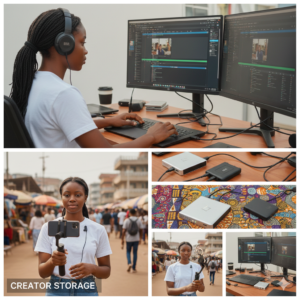
Storage Solutions for Content Creators

Storage Solutions for Content Creators

Content files take up a lot of space.

External Hard Drives

External hard drives are used for backups and archiving video files. They protect creators from data loss.

SSDs for Fast Editing

SSDs offer faster read and write speeds, making video editing smoother and more efficient.

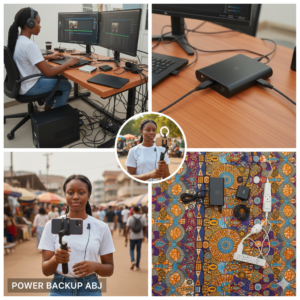
Power and Backup Accessories

Power and Backup Accessories for Creators

Power interruptions can ruin recordings or live streams.

Creators in Abuja benefit from:

  • UPS units for desktops

  • Power banks for mobile devices

  • Surge protectors for studio equipment

Stable power ensures uninterrupted content production.

Choosing the Right Accessories for Your Content Type

Not every creator needs the same tools.

  • YouTubers need good lighting and microphones

  • Podcasters prioritize audio clarity

  • Streamers need capture cards and stable power

  • Mobile creators focus on portability

Start with essentials and upgrade gradually as your content grows.

Budgeting for Content Creation Accessories in Abuja

You don’t need everything at once. Many creators begin with affordable setups and improve over time.

Quality accessories last longer and reduce replacement costs. It’s better to buy fewer, reliable items than many cheap ones.

Common Mistakes Content Creators Should Avoid

Some creators overspend on unnecessary gear. Others ignore audio quality or lighting.

Another mistake is buying incompatible accessories. Always confirm device compatibility before purchase.

Who Benefits Most from These Accessories

Content creation accessories are useful for:

  • YouTubers

  • TikTok and Instagram creators

  • Podcasters

  • Online teachers

  • Streamers

  • Business owners creating digital content

In Abuja’s growing digital economy, quality content tools are becoming essential.

Final Tips for Content Creators in Abuja

Focus on sound and lighting first. Test accessories before using them for important recordings. Protect your equipment from power issues.

Most importantly, let your creativity guide your setup choices.

Conclusion

Creating professional content in Abuja is achievable with the right accessories. From microphones and lighting to storage and power solutions, each tool plays a role in improving quality and consistency.

With the right setup, creators can produce content that looks and sounds professional, attracts audiences, and supports long-term growth.

Power & UPS Solutions for Computers in Abuja – How to Protect Your Devices from Power Issues

If you live or work in Abuja and use a laptop, desktop, or gaming system regularly, then power stability is something you cannot ignore. Sudden blackouts, voltage fluctuations, and unexpected power surges can damage computers, wipe important data, and shorten the lifespan of expensive devices. This is why power and UPS solutions for computers in Abuja are no longer optional, they are essential.

Many computer problems blamed on “faulty systems” are actually caused by poor power supply. In this guide, you’ll learn the best power backup options available in Abuja, how they work, and how to choose the right solution for your home, office, or business.
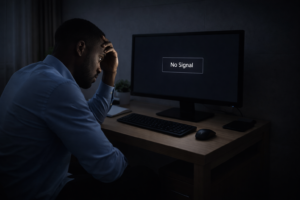
Sudden power outage affecting computer in Nigeria

Why Power Protection Is Important for Computer Users in Abuja

Although Abuja enjoys relatively stable electricity compared to some cities, power interruptions and fluctuations still happen frequently. These sudden changes in power can cause serious damage to sensitive computer components such as motherboards, power supplies, hard drives, and monitors.

For business owners, power failure can mean lost work, corrupted files, and downtime. For students and professionals, it can result in lost assignments, unfinished projects, and damaged laptops. Investing in proper power protection helps you avoid these problems entirely.

Common Power Problems Affecting Computers in Nigeria

Computer users in Abuja often face:

  • Sudden power outages without warning

  • Voltage spikes during power restoration

  • Low voltage that stresses power adapters

  • Inconsistent power supply that affects performance

Over time, these issues weaken internal components and reduce system reliability. Power accessories are designed to act as a buffer between your device and unstable electricity.

What Is a UPS and Why You Need One

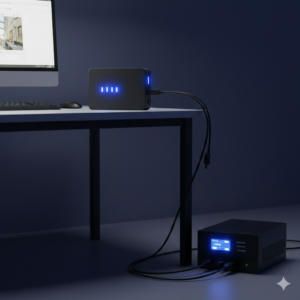
A UPS, or Uninterruptible Power Supply, provides backup power when electricity goes off and protects devices from voltage fluctuations. It allows you to safely shut down your computer instead of losing work instantly.

For desktops, routers, POS systems, and office setups, a UPS is one of the most important accessories you can buy in Abuja.
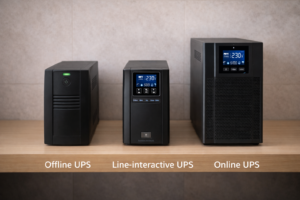
Types of UPS for computers in Abuja – offline, line interactive, online

Types of UPS Available for Computer Users in Abuja

Offline UPS

This is the most common type. It switches to battery power when electricity goes off. It is suitable for basic desktops, home computers, and small office use.

Line-Interactive UPS

This type regulates voltage automatically and offers better protection than offline UPS units. It is ideal for offices, workstations, and systems that run for long hours.

Online UPS

Online UPS systems provide constant power through the battery, offering the highest level of protection. These are often used for servers, data centers, and critical systems.
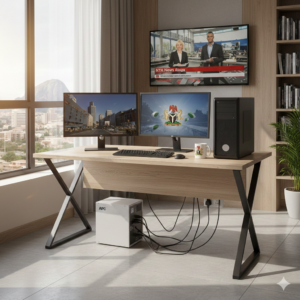
Office computer connected to UPS for power backup in Abuja

How to Choose the Right UPS for Your Computer

Choosing the right UPS depends on your setup. A desktop computer with a monitor will need more capacity than a router or POS system. You should consider:

  • Total power consumption of connected devices

  • Battery backup duration needed

  • Type of work being done

  • Space and noise tolerance

Using a UPS that is too small can lead to overload issues, while oversizing may increase cost unnecessarily.
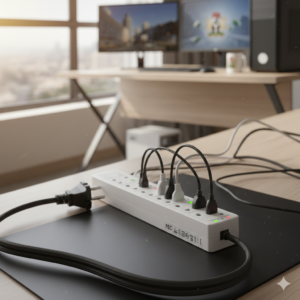
Surge protector for computer power protection

Surge Protectors and Why They Matter

Surge protectors shield devices from sudden spikes in electricity. These spikes often occur when power returns after an outage. Without protection, your computer’s power supply may be damaged instantly.

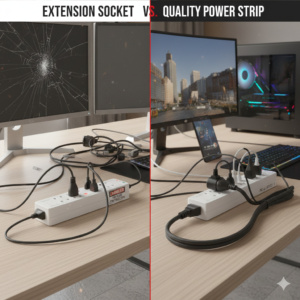
A good surge protector is different from a regular extension socket. It contains internal components that absorb excess voltage and protect connected devices.
Extension Sockets and Power Distribution

Many homes and offices rely on extension sockets to power multiple devices. However, poor-quality extension sockets can overheat or cause electrical hazards.

When buying extension sockets in Abuja, always look for:

  • Overload protection

  • Heat-resistant materials

  • Strong cable thickness

Avoid connecting high-power devices to weak extensions.
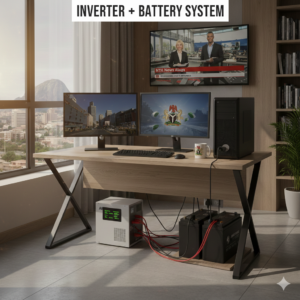
Inverter + Battery System

Inverter and Power Backup Systems for Offices

For users who require long hours of uninterrupted power, inverters are a reliable solution. Unlike UPS units, inverters can power multiple devices for extended periods.

In Abuja, many offices combine UPS units with inverter systems. The UPS handles instant backup, while the inverter supports long-duration power supply.
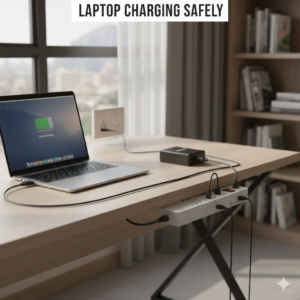
Protecting Laptops from Power Issues

Although laptops have built-in batteries, they are still vulnerable to power problems. Poor-quality chargers and unstable electricity can damage laptop batteries and charging circuits.

Using surge protectors and original chargers helps extend battery life and protect internal components.
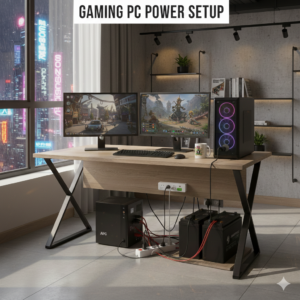
Gaming PC Power Setup

Power Solutions for Gamers and Creators

Gaming PCs and creative workstations consume more power than basic systems. Sudden power loss during gaming or rendering can corrupt files and damage hardware.

For these users, a higher-capacity UPS or inverter-backed system is strongly recommended. Stable power ensures consistent performance and protects expensive components.

UPS backup for POS and business systems in Abuja

Price Expectations for Power Accessories in Abuja

Prices for UPS units, surge protectors, and power accessories vary based on capacity and brand. While cheaper options exist, they often provide limited protection and short battery life.

Spending slightly more on a reliable power solution saves money in the long run by preventing device damage and data loss.
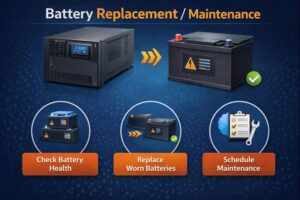
UPS battery maintenance in Nigeria

Common Mistakes Abuja Buyers Should Avoid

Many people buy UPS units without checking capacity or compatibility. Others connect too many devices to one UPS, causing overload.

Another common mistake is ignoring maintenance. UPS batteries degrade over time and should be replaced when performance drops.

Who Needs Power Backup Solutions the Most

Power solutions are essential for:

  • Offices and businesses

  • Students and researchers

  • Remote workers

  • Gamers and streamers

  • POS operators

  • Designers and developers

Anyone who values their computer and data should invest in proper power protection.
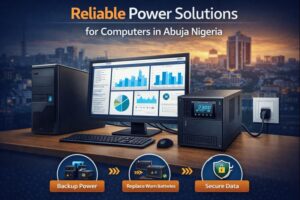
Final Tips Before Buying Power Accessories in Abuja

Always calculate your power needs. Ask questions before buying. Avoid extremely cheap power accessories. Ensure proper ventilation for UPS and inverter systems.

Most importantly, think of power protection as an investment, not an expense.

Conclusion

Power issues are a reality in Nigeria, and Abuja is no exception. Protecting your computer with the right UPS, surge protector, and power accessories ensures reliability, safety, and peace of mind.

Whether for home, office, or business use, investing in proper power solutions helps you work confidently without fear of sudden shutdowns or equipment damage.

Laptop & Desktop Accessories in Abuja – What to Buy, Where to Buy, and What to Avoid

If you use a laptop or desktop computer daily, then accessories are not optional — they are essential. From laptop stands and docking stations to keyboards, monitors, and cooling solutions, the right accessories can completely change how comfortable, productive, and efficient your setup feels.

In Abuja, especially around Banex Plaza in Wuse 2, laptop and desktop accessories are widely available. However, not every accessory sold is worth your money. This guide explains which laptop and desktop accessories you actually need, how to choose quality options, and how Abuja buyers can avoid common mistakes.

Why Laptop and Desktop Accessories Matter More Than You Think

Many people focus only on buying a good laptop or desktop, forgetting that accessories play a huge role in long-term performance and comfort. Poor posture, overheating, eye strain, and slow workflows are often caused by missing or low-quality accessories.

In a city like Abuja where professionals, students, and business owners rely heavily on computers, investing in the right accessories improves productivity and reduces health issues such as back pain and wrist strain.

Where to Buy Laptop and Desktop Accessories in Abuja

Banex Plaza, Wuse 2, remains the most popular destination for computer accessories in Abuja. The advantage of Banex is choice — multiple brands, different price ranges, and availability of both original and compatible accessories.

However, because Banex has many sellers, buyers must be intentional. Knowing what you want before you arrive helps you avoid impulse buying or settling for poor-quality items.

Laptop accessories with gaming focus

Laptop Accessories Every Abuja User Should Consider

Laptop Stands and Mounts

Laptop stands improve posture and airflow. When your laptop is raised to eye level, neck and back strain are reduced. Good airflow also helps prevent overheating, which is common in Nigeria’s climate.

Adjustable aluminum stands are often more durable than plastic ones and last longer.

Laptop Cooling Pads

Cooling pads are especially useful for gaming laptops, workstations, and older devices. They help reduce internal temperatures, prevent thermal throttling, and extend the lifespan of internal components.

When buying cooling pads in Banex, ensure the fans are quiet and compatible with your laptop size.

USB C docking station

Laptop Docking Stations

Modern laptops often come with limited ports. Docking stations solve this problem by adding HDMI, USB, Ethernet, and card reader ports. This is ideal for office setups and users who connect to external monitors or projectors.

Desktop Accessories for Office and Home Use

Keyboards and Mouse Devices

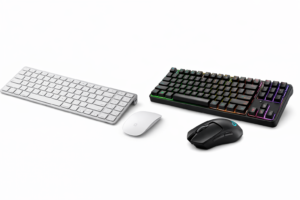
For desktop users, keyboards and mouse devices affect speed and comfort. Office users often prefer low-noise keyboards, while others may prefer mechanical options for durability.

Wireless options reduce desk clutter, but wired options still offer reliability and zero latency.

Monitor Arms and Stands

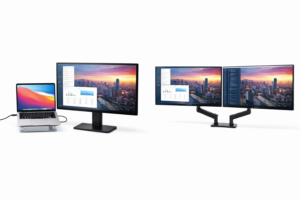
Monitor arms allow better screen positioning and free up desk space. They’re especially useful for dual-monitor setups common in offices and trading environments.

Adjustable arms reduce eye strain and improve ergonomics during long work hours.

External Monitors and Dual-Screen Setups

Many Abuja professionals now use external monitors to increase productivity. Designers, programmers, traders, and content creators benefit greatly from larger or multiple screens.

When buying monitors in Banex Plaza, consider:

  • Screen size and resolution

  • Refresh rate for smooth visuals

  • Panel type (IPS, VA, or TN)

  • Compatibility with your laptop or desktop

Dual-screen setups allow multitasking and improve workflow efficiency.

Office Productivity Accessories Worth Buying

Mouse Pads and Desk Mats

Mouse pads improve tracking accuracy and protect desk surfaces. Extended desk mats also make workspaces cleaner and more organized.

Webcam and Conference Accessories

With remote meetings becoming common, webcams and external microphones improve communication quality. Built-in laptop webcams are often low quality compared to external options.

Choosing the Right Accessories for Your Use Case

Not all accessories are for everyone. Students may prioritize portability, office workers focus on comfort, and creators prioritize performance.

Ask yourself:

  • How many hours do I use my computer daily?

  • Do I work with external monitors?

  • Do I travel often with my laptop?

  • Do I need speed, comfort, or flexibility?

Answering these questions helps narrow down the right accessories.

Common Mistakes Abuja Buyers Should Avoid

One common mistake is buying accessories solely based on price. Cheap accessories often fail quickly and end up costing more over time.

Another mistake is ignoring compatibility. Always confirm connector types, screen resolutions, and power requirements before buying.

Finally, avoid rushing purchases. Take time to compare options within Banex Plaza.

Price Expectations for Laptop and Desktop Accessories in Abuja

Prices vary depending on brand, quality, and demand. High-quality accessories may cost more upfront, but they last longer and perform better.

If a deal looks too cheap to be true, it usually is.

Who Benefits Most from These Accessories?

Laptop and desktop accessories are especially useful for:

  • Office professionals

  • Students and researchers

  • Remote workers

  • Designers and developers

  • Business owners

  • Gamers and streamers

In Abuja’s growing digital economy, these accessories are no longer luxury items.

Final Tips Before Buying Accessories in Banex Plaza

Always test accessories where possible. Ask questions. Compare at least two shops. Don’t be afraid to walk away if something feels off.

A well-equipped computer setup saves time, improves comfort, and increases efficiency.

Conclusion

Buying laptop and desktop accessories in Abuja is easier when you know what to look for. Banex Plaza, Wuse 2, offers variety, competitive pricing, and access to essential accessories — but smart buying is key.

Focus on quality, compatibility, and long-term value. The right accessories turn an ordinary computer into a powerful, comfortable workstation.

Exterior of Banex Plaza Wuse 2, Abuja - The hub for computer accessories.

Where to Buy Quality Computer Accessories in Abuja – Banex Plaza Buying Guide

Exterior of Banex Plaza Wuse 2, Abuja - The hub for computer accessories.

Where to Buy Quality Computer Accessories in Abuja – Banex Plaza Buying Guide

If you’ve ever bought a charger that stopped working after one week, or a USB cable that damaged your laptop port, then you already understand why buying the right computer accessories in Abuja matters. For students, office workers, business owners, gamers, and creators, accessories are not just add-ons — they directly affect performance, safety, and how long your device lasts.

In Abuja, Banex Plaza in Wuse 2 has become the go-to destination for computer accessories. But with hundreds of shops and varying quality levels, knowing what to buy, where to buy, and how to avoid fake accessories is key. This guide walks you through everything you need to know before spending your money.

Inside a tech shop at Banex Plaza Abuja showing a variety of computer peripherals.

Why Banex Plaza Is Abuja’s Main Computer Accessories Market

Banex Plaza, located in Wuse 2, Abuja, is widely known as the largest tech marketplace in the city. Whether you’re looking for laptop accessories, desktop peripherals, storage devices, or power solutions, Banex offers more options than anywhere else in Abuja.

One major reason people prefer Banex is variety. Instead of being limited to one brand or price point, you can compare multiple options in one place. Another reason is competition. Because many shops sell similar items, prices are often better than standalone stores or roadside vendors.

That said, Banex also requires buyers to be smart. Quality can range from original accessories to low-grade imitations. Knowing what to look for makes all the difference.

Essential Computer Accessories Everyone Needs

No matter the type of computer you use, there are some accessories that are considered basic necessities.

These include chargers, power cables, USB cables, mouse devices, and storage accessories. Many people focus only on buying the computer itself and ignore the quality of these supporting items. Unfortunately, poor accessories can damage ports, reduce battery life, or even cause power-related issues.

High-quality accessories may cost slightly more upfront, but they save money long-term by preventing repairs and replacements.

Genuine laptop chargers and replacement batteries available in Abuja.

Laptop Accessories You Can Buy in Abuja

Laptop users make up a large percentage of buyers at Banex Plaza. Whether you use Windows or MacBooks, the right accessories improve comfort, cooling, and productivity.

Laptop Chargers and Power Adapters

Original or high-quality replacement chargers are essential. Cheap chargers often overheat, deliver unstable power, or damage batteries. When buying, always confirm wattage compatibility and connector type.

Laptop Batteries

If your laptop no longer holds charge, replacing the battery can give it a second life. In Banex, you’ll find both original and compatible batteries. Always check manufacturing date and warranty availability.

Laptop Bags and Sleeves

Beyond aesthetics, laptop bags protect your device from dust, drops, and moisture. Students and professionals should prioritize padded bags with proper compartment separation.

Laptop cooling pad and ergonomic stand to prevent overheating

Cooling Pads and Laptop Stands

Heat is a major enemy of laptops in Nigeria. Cooling pads help regulate temperature, while laptop stands improve airflow and posture, especially for long working hours.

Wireless ergonomic keyboard and mouse for office setups in Abuja.

Desktop and Office Computer Accessories

Desktop users and office setups also rely heavily on accessories for efficiency.

Keyboards and Mouse Devices

From basic wired keyboards to wireless combos, the choice depends on your usage. Office users often prefer silent keys and ergonomic designs, while others prioritize durability.

Office vs Gaming Accessories

Not all accessories are made for gaming. Office accessories focus on comfort and longevity, while gaming accessories emphasize responsiveness. Knowing your purpose helps avoid unnecessary spending.

Mouse Pads and Desk Accessories

Though often overlooked, mouse pads improve precision and protect desk surfaces. Desk organizers also help maintain a clean workspace.

Cables, Converters, and Connectivity Accessories

This is one of the most demanded categories at Banex Plaza.

USB Cables and Hubs

USB hubs expand connectivity, especially for modern laptops with limited ports. Quality hubs prevent power loss and data transfer issues.

HDMI, VGA, and Display Adapters

For presentations, external monitors, and projectors, display adapters are essential. Always test these adapters before buying to ensure compatibility.

Why Cheap Cables Are Risky

Low-quality cables can cause overheating, slow data transfer, or port damage. Spending a little more on certified cables is always safer.
External hard drives and high-speed SSDs for data backup.

Storage Accessories Available in Banex Plaza

Data storage is another major reason people visit Banex.

External Hard Drives

Used for backups and large files, external hard drives should always be checked for capacity authenticity and transfer speed.

Flash Drives

Fake flash drives are common. Always verify storage size and brand authenticity before purchase.
SSDs and HDDs

Upgrading from HDD to SSD can significantly boost system speed. Banex offers a wide range of internal and external SSD options.
APC UPS and surge protectors to protect computers from power fluctuations in Nigeria

Power and Protection Accessories for Nigerian Homes and Offices

Power instability is a reality in Nigeria, making protection accessories non-negotiable.

UPS (Uninterruptible Power Supply)

A UPS protects computers from sudden shutdowns and voltage fluctuations. It’s essential for offices and anyone who values their data.

Surge Protectors and Extension Sockets

Surge protectors shield devices from power spikes, while extension sockets provide safer power distribution than random adapters.

How to Identify Original Computer Accessories in Abuja

With many sellers available, knowing how to identify genuine products helps you avoid regrets.

Check packaging quality, branding clarity, and serial numbers where applicable. Ask about warranty, and avoid sellers who rush you or refuse testing. Trusted shops are usually transparent and willing to explain product differences.

Price Expectations for Computer Accessories in Banex Plaza

Prices in Banex vary based on brand, quality, and demand. While bargaining is common, extremely cheap prices are often a red flag. Always compare at least two or three shops before buying.

A good rule is this: fair price plus reliability beats cheap price plus replacement cost.

Who Should Buy Computer Accessories from Banex Plaza?

Banex serves a wide range of buyers:

  • Students setting up school laptops

  • Office workers upgrading workstations

  • Business owners running POS or desktop systems

  • Gamers and content creators

  • Tech professionals and IT support staff

Because of its diversity, Banex remains one of the best places to buy computer accessories in Abuja.

Final Buying Tips Before Leaving Banex Plaza

Always test accessories on the spot. Keep receipts when possible. Ask about return policies and warranties. Most importantly, buy based on need and quality, not just price.

Conclusion

Buying computer accessories in Abuja doesn’t have to be stressful. With the right knowledge and a trusted location like Banex Plaza, Wuse 2, you can find quality accessories that improve performance and protect your devices.

Take your time, ask questions, and invest wisely. The right accessories make all the difference.

Back to Top
Product has been added to your cart