
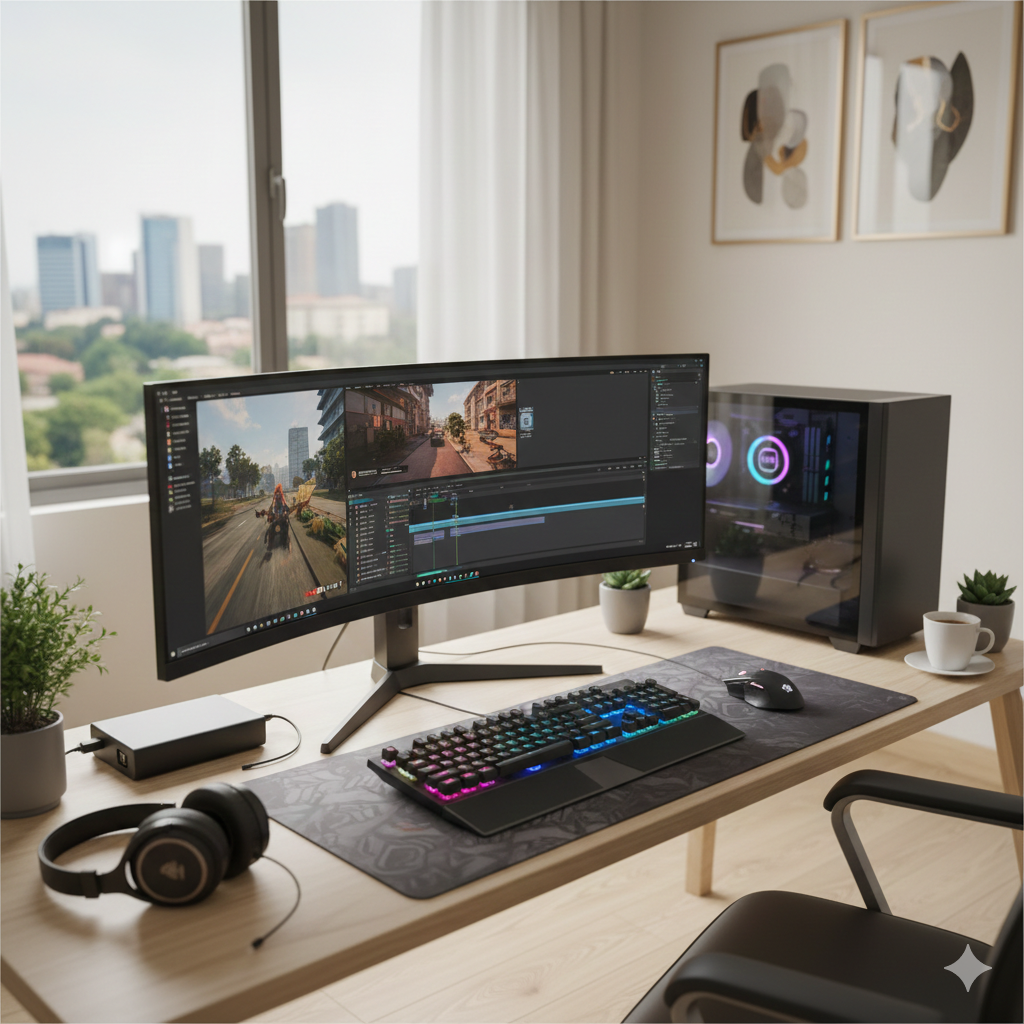
Monitor Buying Guide for Gamers and Professionals in Abuja – How to Choose the Best Display for Your Setup
If you spend hours working, gaming, or creating content on a computer, your monitor is one of the most important components of your setup. Many people focus on the CPU, graphics card, or laptop specs, but the reality is a poor monitor can ruin productivity, strain your eyes, and diminish your gaming or content experience.
In Abuja, computer users — whether students, office workers, designers, or gamers — often ask: “Which monitor should I buy?” This guide breaks down everything you need to know about buying the perfect monitor in Abuja, including types, features, price expectations, and trusted local options.
Why Choosing the Right Monitor Matters in Nigeria
Monitors are more than just screens; they are the interface between you and your work or play. Choosing the wrong monitor can cause:
- Eye strain and headaches from poor resolution or refresh rates
- Reduced productivity for multitasking professionals
- Lag and stutter for gamers due to low refresh rates
- Poor color accuracy for designers and content creators
Investing in the right monitor ensures your eyes are comfortable, your workflows are smooth, and your gaming or content experience is optimized. In Nigeria, especially Abuja, power fluctuations and import challenges mean it’s important to buy from reliable local stores that provide warranties and original products.
Monitor Types Available in Abuja
Not every monitor is suitable for every use. Understanding the types will help you make an informed decision.
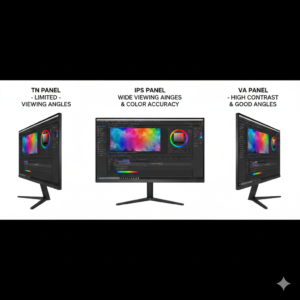
- TN (Twisted Nematic) Panels: Affordable and great for competitive gamers due to fast response times. Colors and viewing angles are limited.
- IPS (In-Plane Switching) Panels: Offers excellent color accuracy and wide viewing angles, perfect for designers, content creators, and office work.
- VA (Vertical Alignment) Panels: Balances color accuracy and contrast. Ideal for casual gaming and multimedia use.
Key Monitor Features to Consider in Abuja
When shopping for a monitor, don’t focus only on size or brand. The following features are crucial:
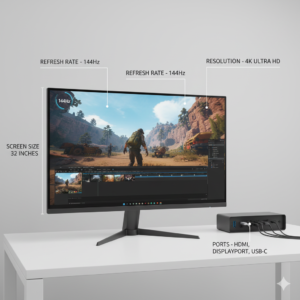
- Resolution: Full HD (1920×1080) is standard for general use. QHD (2560×1440) and 4K (3840×2160) are better for gaming and professional content creation.
- Refresh Rate: Standard monitors have 60Hz. Gamers should aim for 120Hz or 144Hz for smoother gameplay.
- Response Time: A lower response time (1ms–5ms) reduces ghosting in fast-paced games.
- Screen Size: 24–27 inches is ideal for general use. 27–32 inches is better for designers, editors, and gamers who want immersive experiences.
- Panel Coating: Matte coatings reduce glare in bright Abuja offices or homes.
- Connectivity: Ensure HDMI, DisplayPort, USB-C, and audio ports match your computer setup.
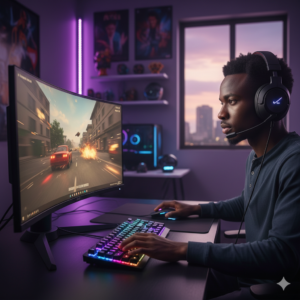
Monitors for Gamers in Abuja
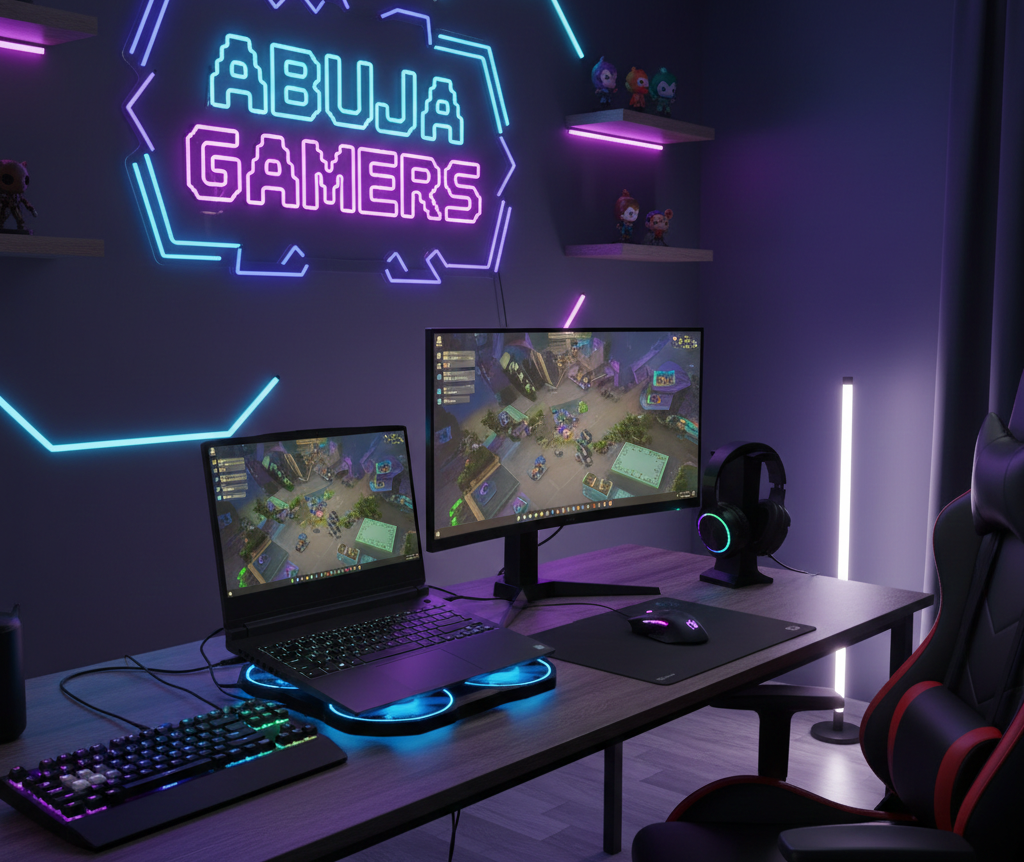
Gamers in Abuja need monitors that provide high refresh rates, low response times, and immersive visuals. Look for:
- 144Hz or higher refresh rates for smooth gameplay
- 1ms–5ms response time to avoid lag
- Adaptive sync technologies like G-Sync or FreeSync
- Curved or ultra-wide monitors for immersive experiences
Brands like LG, Samsung, ASUS, and Acer are widely available in Abuja electronics shops. Always test the monitor or check reviews to ensure genuine performance.
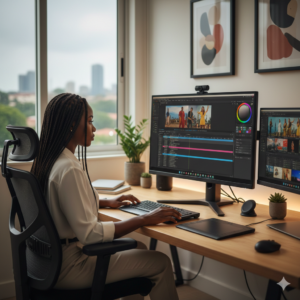 Monitors for Professionals and Designers in Abuja
Office workers, content creators, and designers need monitors that prioritize color accuracy and multitasking. Features to look for include:
- IPS panels for accurate colors and wide viewing angles
- QHD or 4K resolution for crisp visuals
- Multiple connectivity options (HDMI, USB-C, DisplayPort)
- Adjustable stands to improve ergonomics and reduce neck strain
These monitors are slightly more expensive, but investing in quality displays ensures long-term productivity and reduces eye fatigue.

Monitor Size Guide for Abuja Buyers
Choosing the right size depends on your desk space, usage, and viewing distance:
- 21–24 inches: Compact, ideal for students and small workspaces
- 25–27 inches: Most popular size for general use, gaming, and content creation
- 28–32 inches: Great for immersive gaming, editing, and professional workflows
- Curved and ultra-wide monitors: Ideal for multitasking and immersive environments
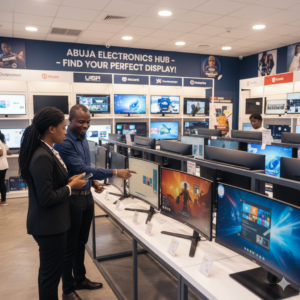
Where to Buy Monitors in Abuja
Abuja has multiple electronics hubs, but you want **reliable sellers** to avoid fake or low-quality imports. Tips for Abuja buyers:
- Check for authorized dealers of brands like LG, Samsung, ASUS, Dell, and Acer
- Ask about warranty and return policies
- Compare prices across stores to avoid overpaying
- Test the monitor if possible before purchase
Whether you’re in Wuse, Garki, or Maitama, local electronics stores often stock original monitors and accessories suitable for gamers and professionals alike.
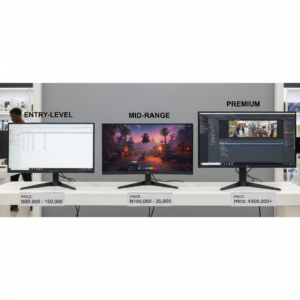
Monitor Prices in Abuja – What to Expect
Monitor prices vary based on size, resolution, and brand. Approximate ranges:
- Basic 21–24” Full HD monitor: ₦55,000 – ₦75,000
- Mid-range 24–27” QHD monitor: ₦95,000 – ₦150,000
- High-end 27–32” 4K or gaming monitor: ₦180,000 – ₦300,000+
Prices fluctuate depending on import costs, demand, and store location. Always check for authenticity and warranty before purchasing.
Common Mistakes Abuja Buyers Should Avoid
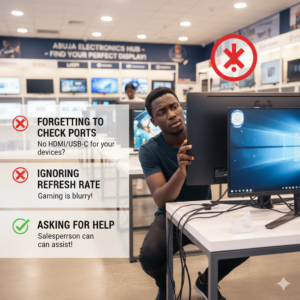
- Buying based on brand alone without checking specifications
- Ignoring refresh rate or response time for gaming monitors
- Purchasing monitors with insufficient ports or incompatible connectors
- Overlooking ergonomics, such as adjustable stands and height
By avoiding these mistakes, Abuja buyers can save money and get monitors that truly meet their needs.
Tips for Maintaining Your Monitor in Nigeria
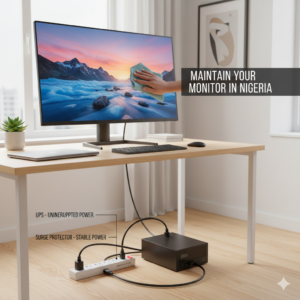
Abuja’s climate and frequent power fluctuations can affect monitor longevity. To protect your investment:
- Use surge protectors or UPS for desktops
- Keep monitors clean with microfiber cloths
- Avoid direct sunlight and excessive heat exposure
- Do not tap or press the screen forcefully
- Follow manufacturer guidelines for calibration and updates
Final Advice for Abuja Buyers
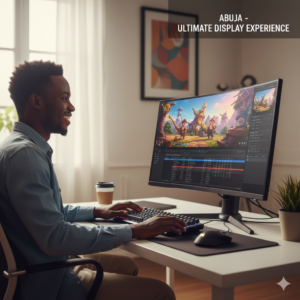
Choosing a monitor in Abuja doesn’t have to be stressful. Decide what matters most: color accuracy, refresh rate, size, or portability. Compare options at reputable stores and check warranties before purchasing. Remember, a good monitor is a long-term investment in your productivity, comfort, and entertainment experience.
Conclusion & Call-to-Action
Whether you’re gaming, designing, or working remotely in Abuja, the right monitor can dramatically improve your experience. Focus on features, test before you buy, and invest in quality. Start exploring trusted electronics stores today to find your ideal monitor and enjoy a better, more productive computing experience.
Meta description: A complete Abuja guide to buying monitors for gaming, office, and content creation with tips on features, prices, and trusted local stores.
Leave a Comment
Your email address will not be published. Required fields are marked *